- Home
- ...
- Catalog Details
- Maturity
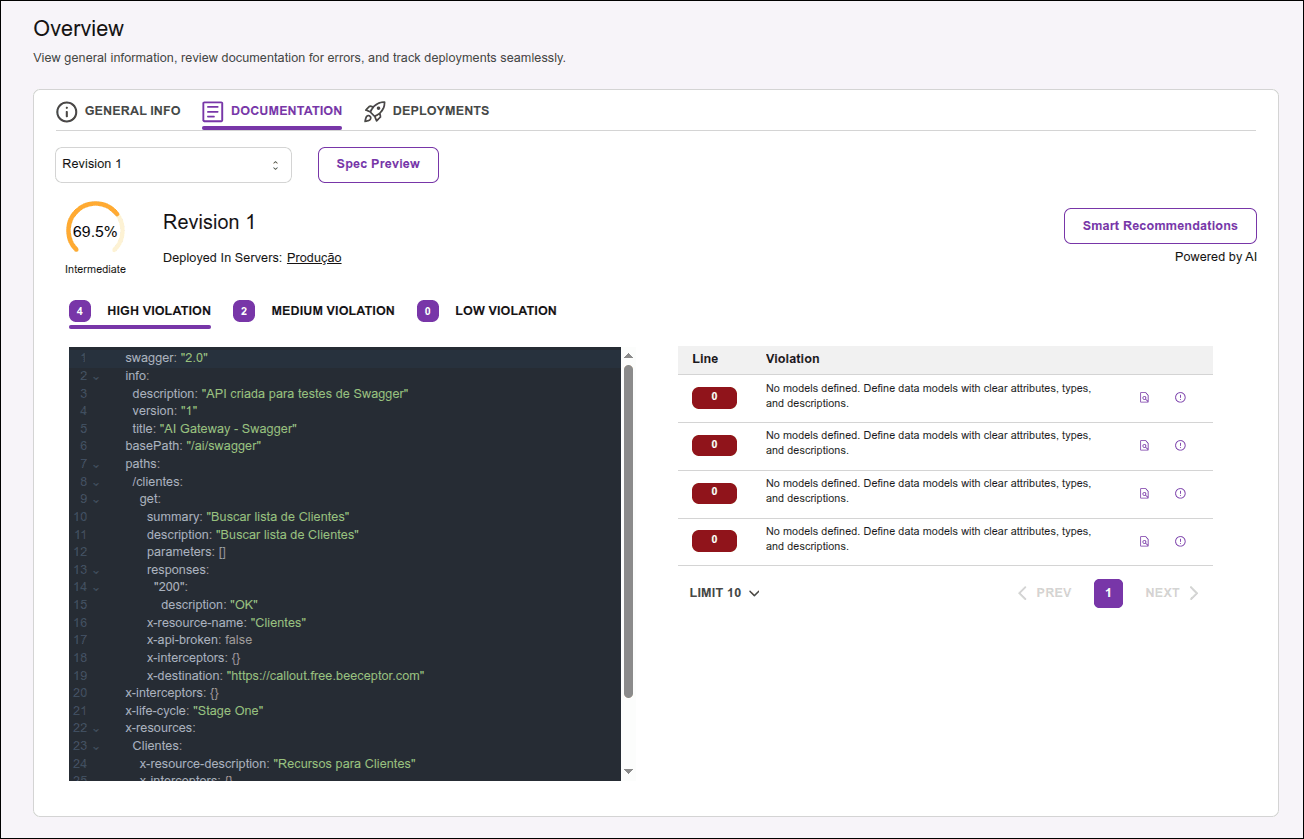
In this screen (see how to access it) you can:
- see the API score and maturity level;
- analyze the quality of the API and see the rules it violates, if any;
- view the API specification (Swagger);
- get Smart Recommendations.
Click on the links above for details on each functionality or watch the video below for an overview:
How to access the screen
To access the screen that displays the maturity report, specification, and Smart Recommendations, follow the steps below:
Step 1
Access the Discovery screen by clicking it on the left side menu.
Step 3
Click on the DOCUMENTATION tab.
- You will see the maturity report and specification for the latest revision. Click on the revision number for which you want to see the maturity report and specification.
- Alternatively, click on the DEPLOYMENTS tab to see the revisions deployed in each environment. Click on the revision number for which you want to see the maturity report and specification.
NOTEIn the Environments mode, the
icon will be disabled when there is no API revision deployed in the environment.
The information is presented in two tabs: SPECIFICATION and PREVIEW.
Maturity Score
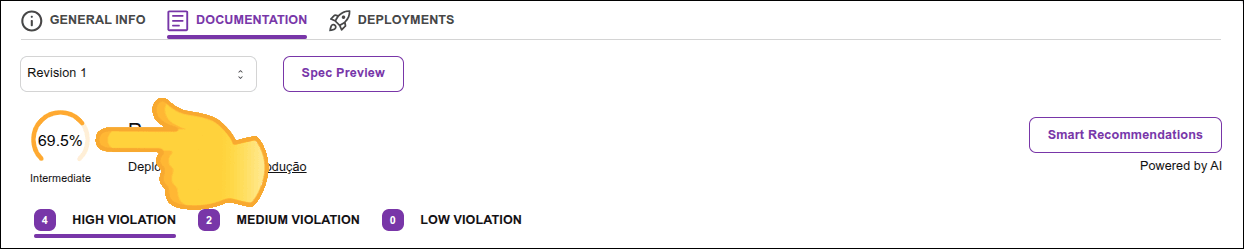
The maturity score is calculated based on a set of criteria, or rules, that evaluate the API's maturity level.
It follows a formula that assigns weights to each rule, applying penalties to the score when the criteria determined by the rules are not met.
The result is displayed on a percentage scale, along with a concept that classifies the API's compliance level with the established rules.
These rules, along with their descriptions and weights in relation to the score calculation, are displayed in the QUALITY ANALYSIS tab.
Next to the score, you will find:
- the API revision for which the report was generated,
- the environments where the API is deployed, and
- the button to request AI-generated application examples based on the recommendations. These examples will be available for download (Smart Recommendations).
Analyzing the quality of your APIs
NOTEThe list of violations is only available for REST APIs.
Violations are divided by levels, presented in tabs:
- HIGH VIOLATION: serious violations that significantly impact the API's maturity score.
- MEDIUM VIOLATION: medium impact violations.
- LOW VIOLATION: low impact violations.
Each tab lists the violations found at that severity level, in a list with the columns:
- LINE: line number in the API specification where the violation was found.
- VIOLATION: description of the violation found.
- Column with possible actions for each violation:
- : view the rule that was violated:
- RULE ID: rule code.
- DESCRIPTION: rule description, with information about its objective and basis. Contains the fields
contextandfield. - WEIGHT ON SCORE: percentage that the field represents in the total maturity score.
Viewing the API specification
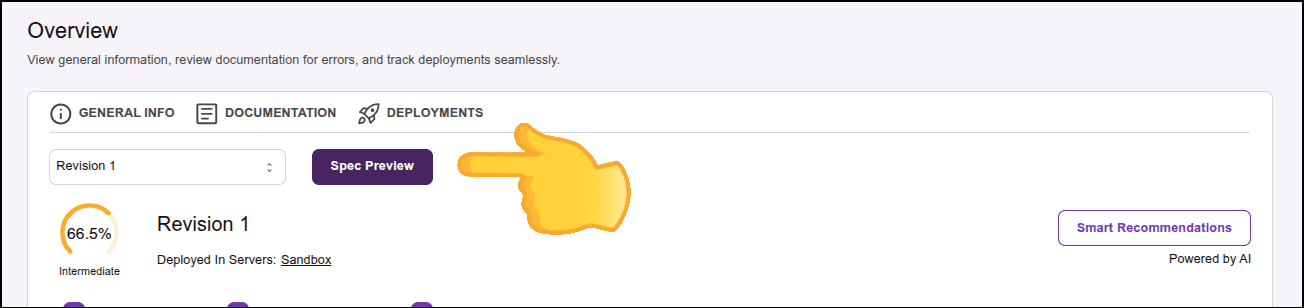
Click on Spec Preview to view the API specification (Swagger), with its respective endpoints.