- Home
- ...
- Developer Portal
- FAQ
TIPFor frequently asked questions about the Portal Manager or the Developer Portal, visit the FAQ page.
A Frequently Asked Questions (FAQ) page is essential for a developer portal.
It helps users find quick answers to common questions, reducing the need for support contact and improving the overall experience.
-> FAQ pages are created and managed using the Portal Manager and are displayed in the Developer Portal.
-> FAQs are organized into topics. You can create up to 9 topics.
-> Each topic can contain up to 9 questions and answers.

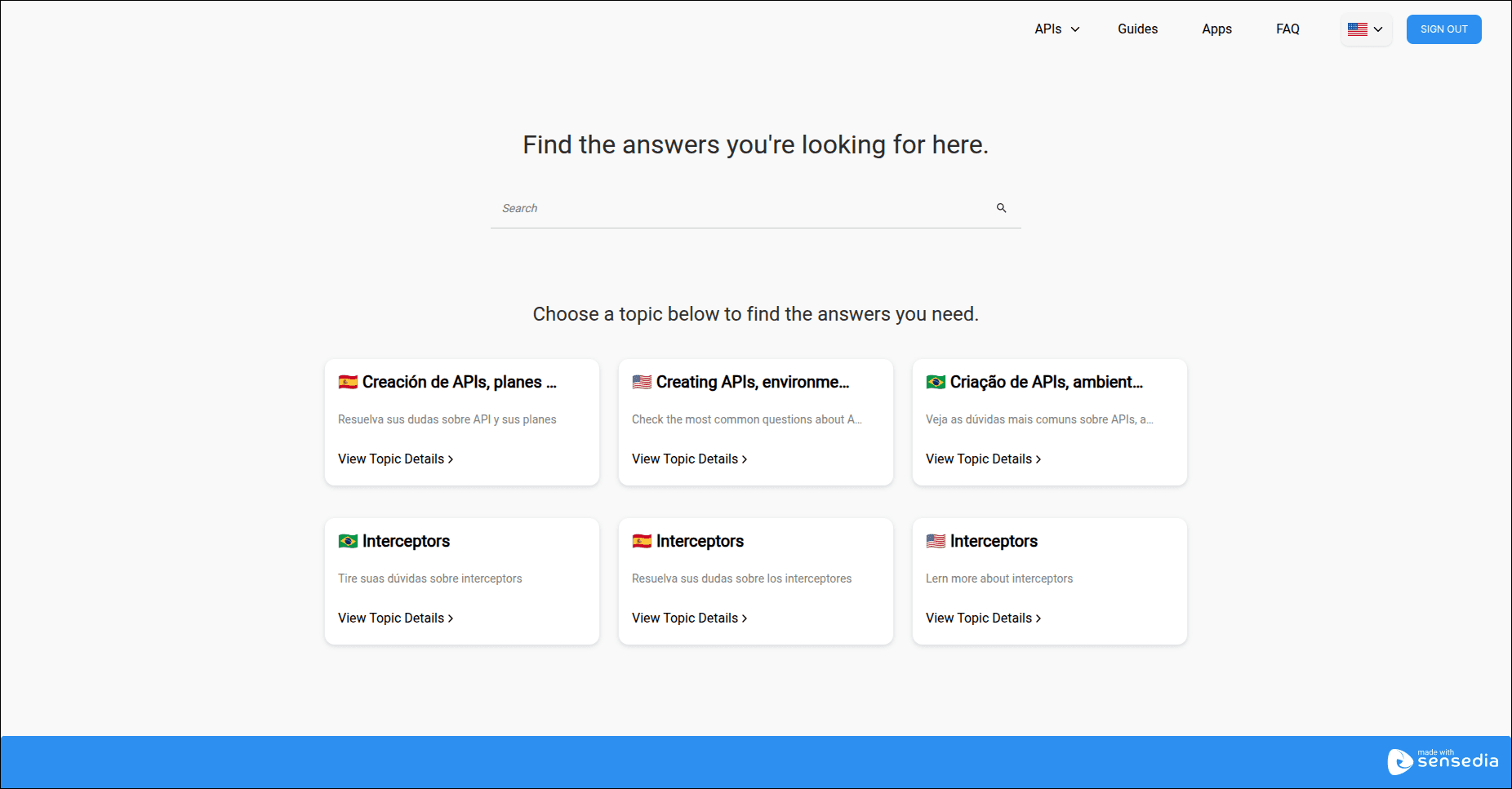 The image is illustrative and may vary depending on your topics, questions, and appearance settings.
Reading FAQ pages in the Developer Portal
To read the FAQ pages in the Developer Portal:
-
Click on "FAQ" in the upper right corner of the Developer Portal.
-
Choose a topic or use the search bar to find a specific question.
NOTE
- The user needs to have the role (configured in Portal Manager for the Developer Portal) that is associated with the FAQs in order to view them.
- The roles that can view the FAQ are defined when creating the topic in Portal Manager.