- Home
- ...
- Platform Events
- Creating New Alerts (Platform Events)
To configure a new alert, click the + NEW DEFINITION button in the upper right corner of the Platform Events page.
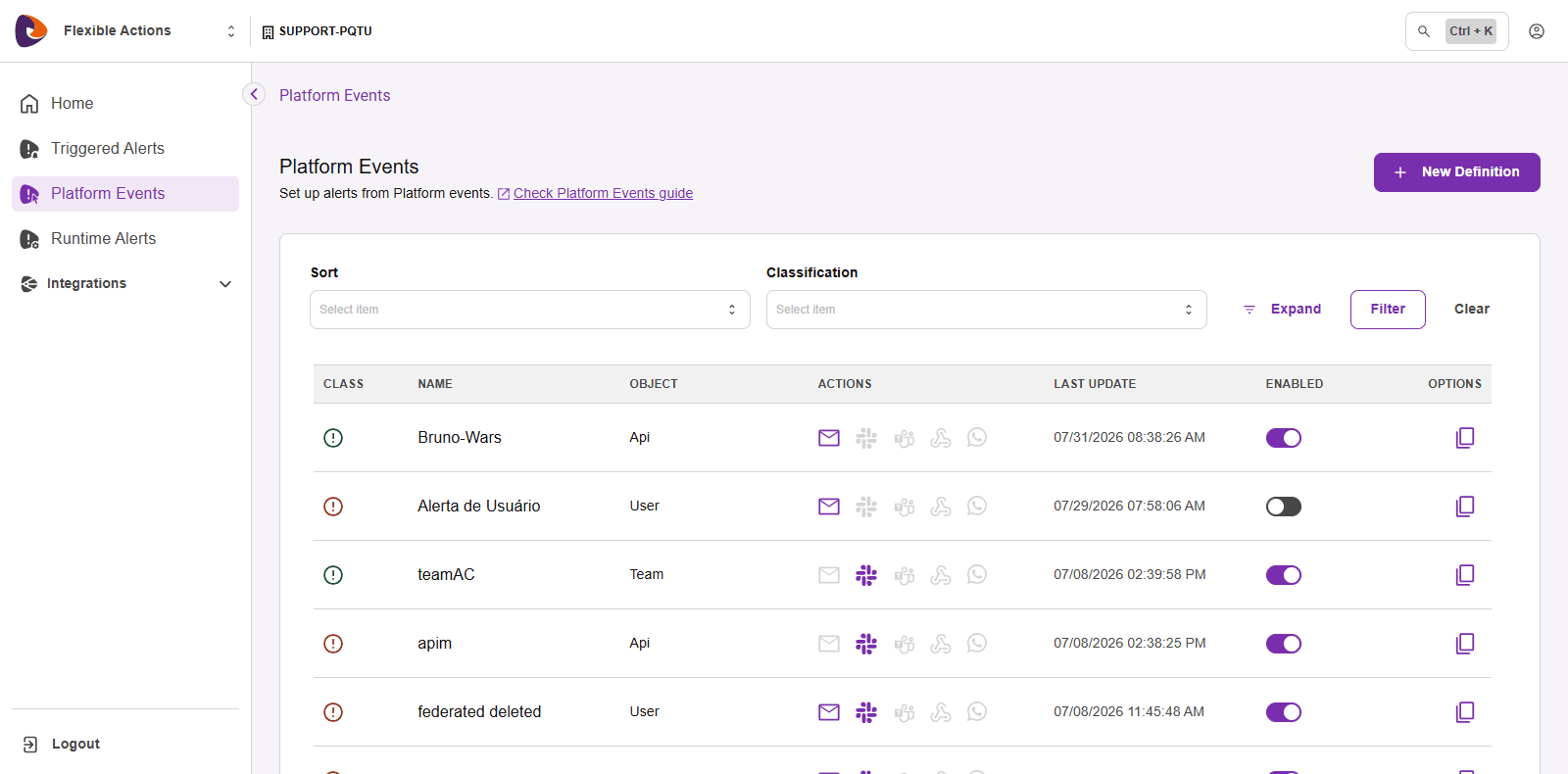
Alert creation is done through a wizard with three steps, specified below:
- EVENT, to specify which change will be monitored.
- ACTIONS, to configure the means used to send the notification.
- REVIEW, which displays the information registered for the created alert.
Go to the next pages to view the steps.