- Home
- ...
- Developer Portal
- Developer Portal - Guides
The content created in Content Management > Guides of the Portal Manager is displayed on the Guides pages of the Developer Portal.
It's possible to expose materials such as:
- blogs,
- user guides,
- tips,
- FAQ, among others.
To access, click Guides in the top right corner of the screen.
You must be logged in to access the content on the Guides pages.
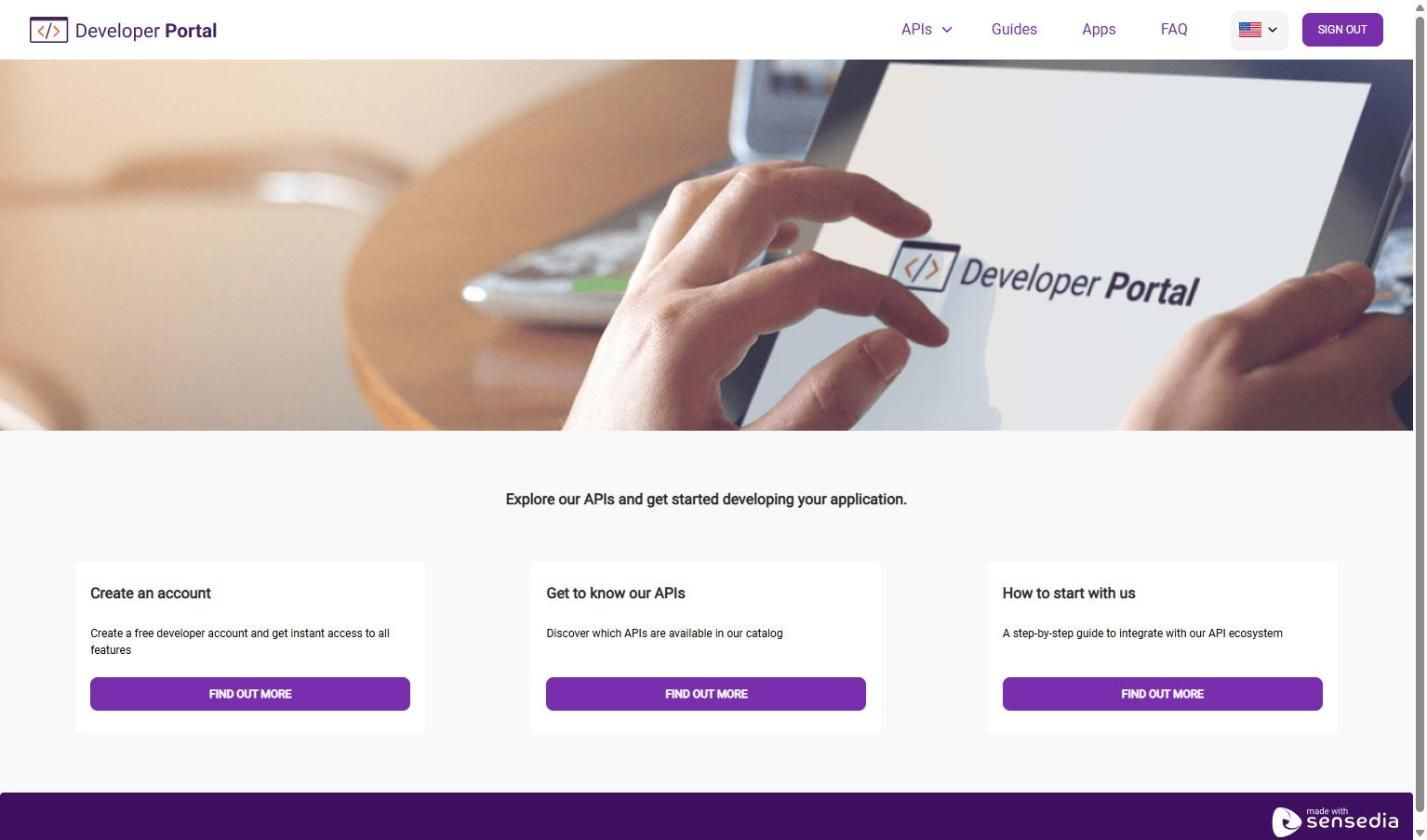
The image below is for illustrative purposes only. Colors and logos may vary depending on the customization made in Portal > Appearance of the Portal Manager.
Supporting files
When a Guide has associated files, they appear in the Resources section, right below the title. Click the file name to download it.
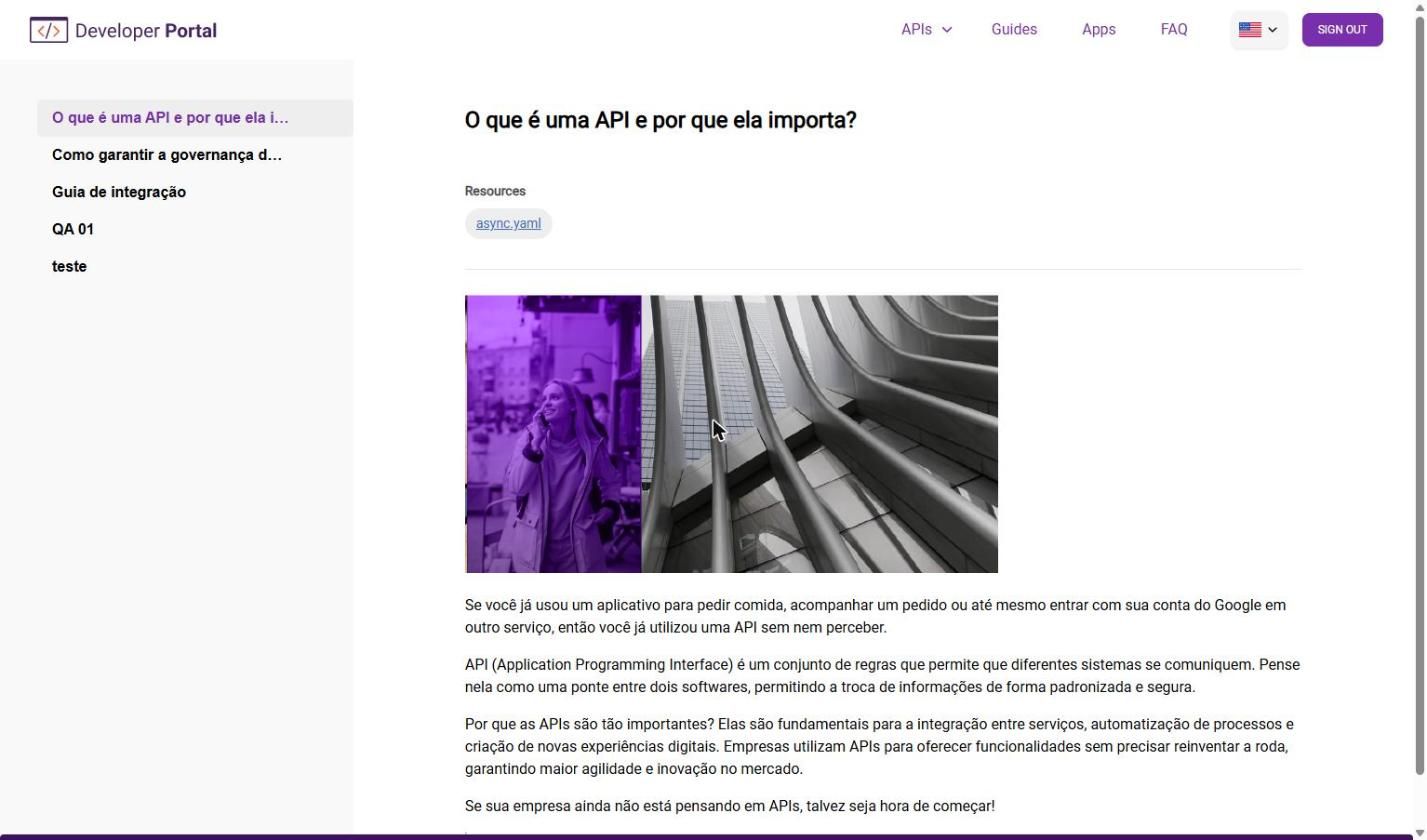
Files are associated with Guides in the Portal Manager, in the File Repository.
IMPORTANTSupporting files depend on the File Repository, a premium feature that is not included in the Basic plan. If the portal does not have the feature enabled, the Resources section does not appear.
Accesses
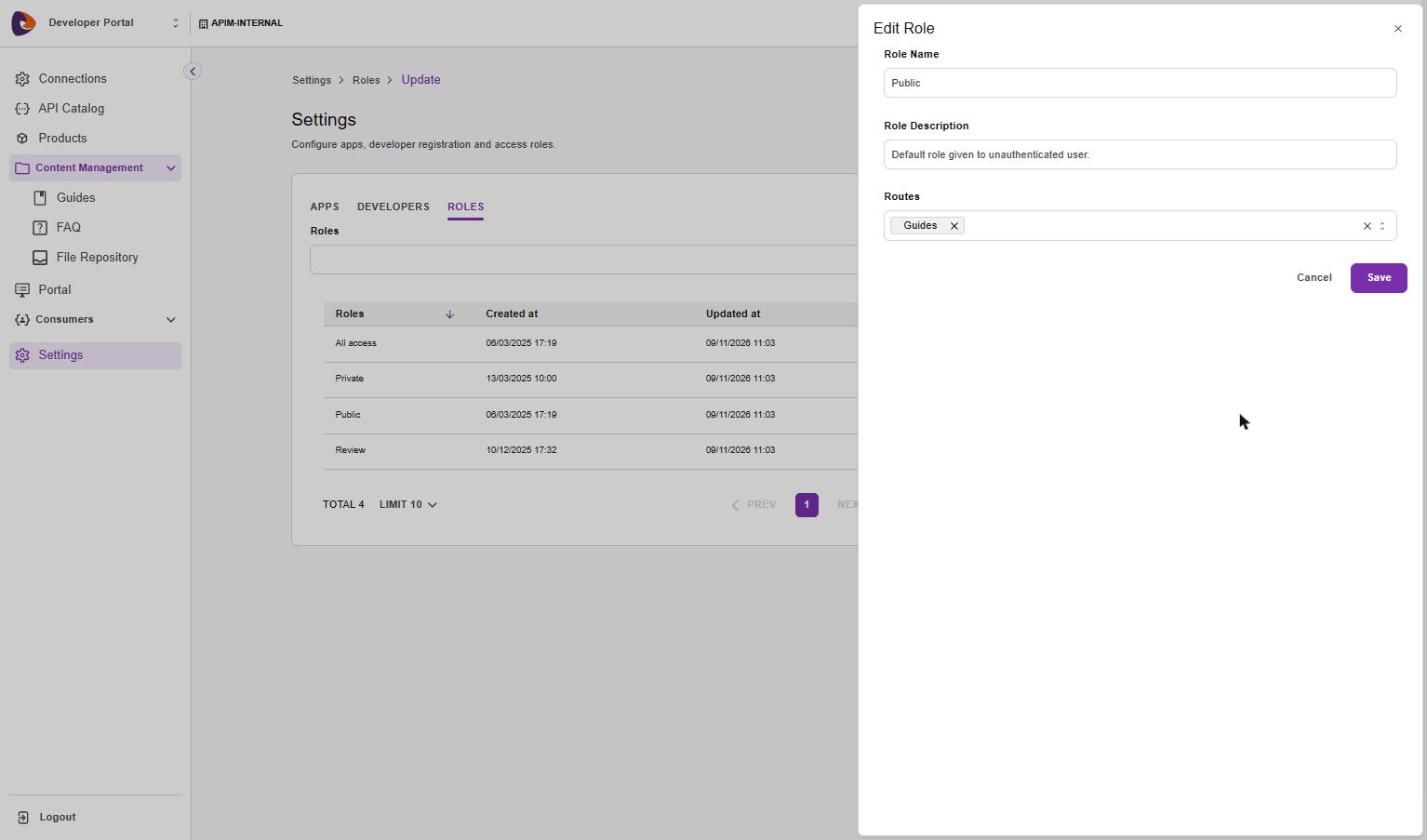
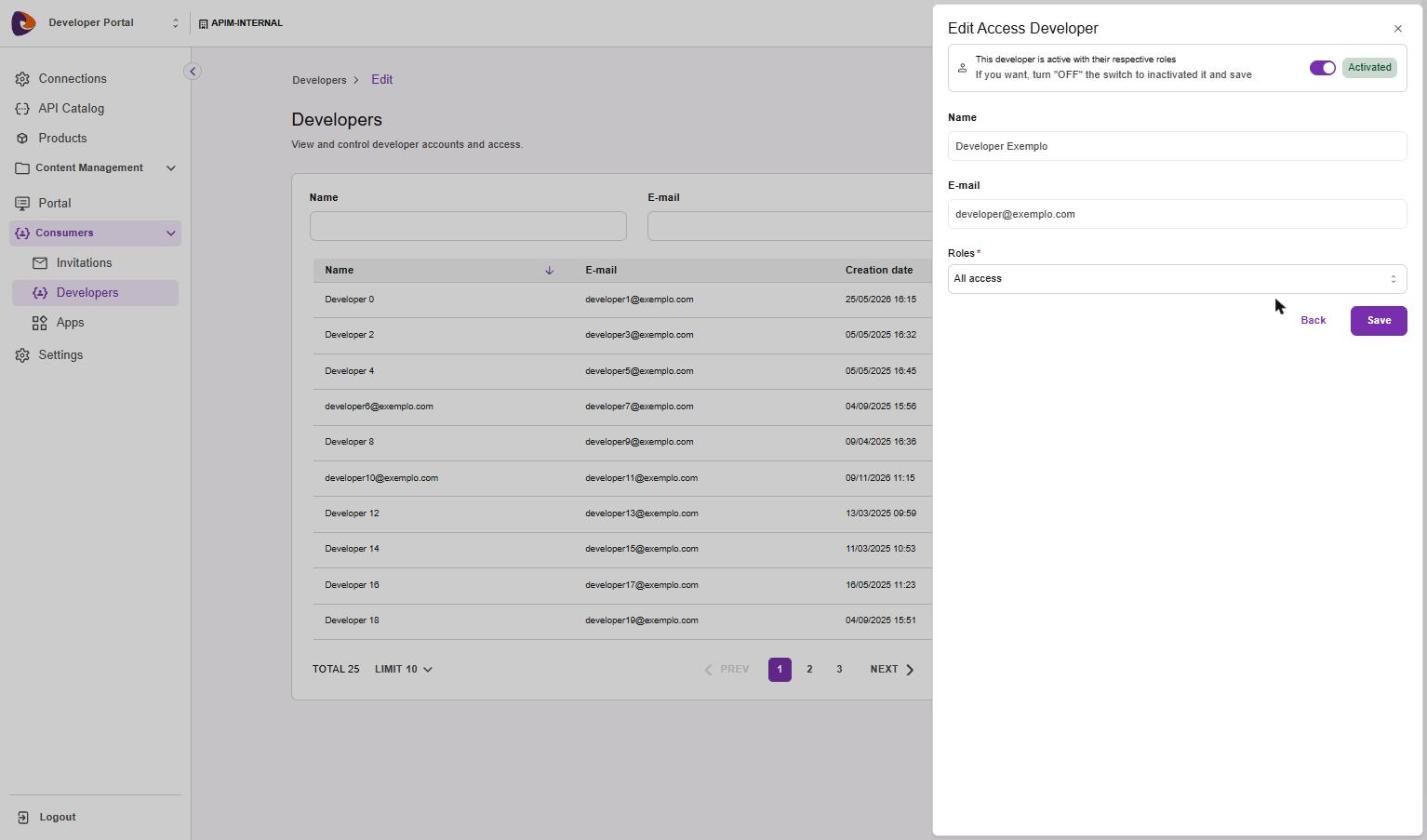
To access the Guides pages, it is necessary that it is defined in at least one of the routes of the user's role.
Administrator, if the user cannot access Guides, check:
-
If at least one role has Guides defined as one of its routes.
-
If the user has this role.
TIP
- See how to edit a role.
- Assign roles to a user.
- Publish a product so that it appears in the API catalog.
- Create a new product.