---
title: Security credentials
description: Security credentials
documentId: access-control-security-credentials
locale: en-US
---
Security credentials consist of:
- Client ID
- *Client Secret*
- It is not possible to generate *Client Credentials* using federated logins.
To generate a Client ID and *Client Secret*, follow the steps below:
## Creating security credentials
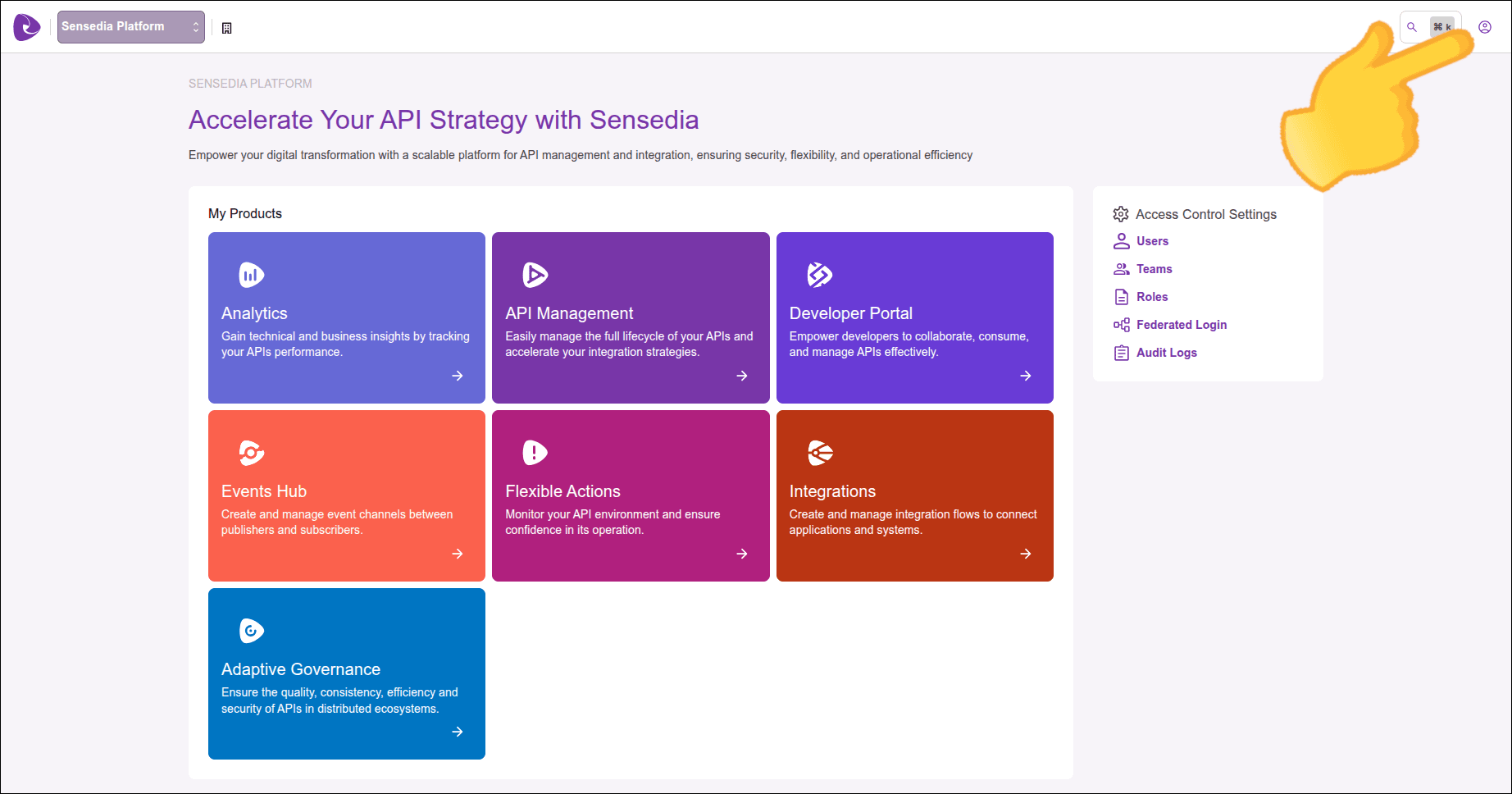
Click the icon in the upper right corner of the screen.
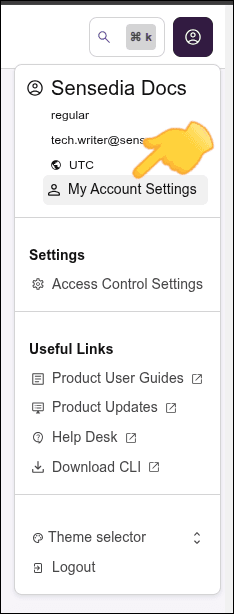
Click **My Account Settings**.
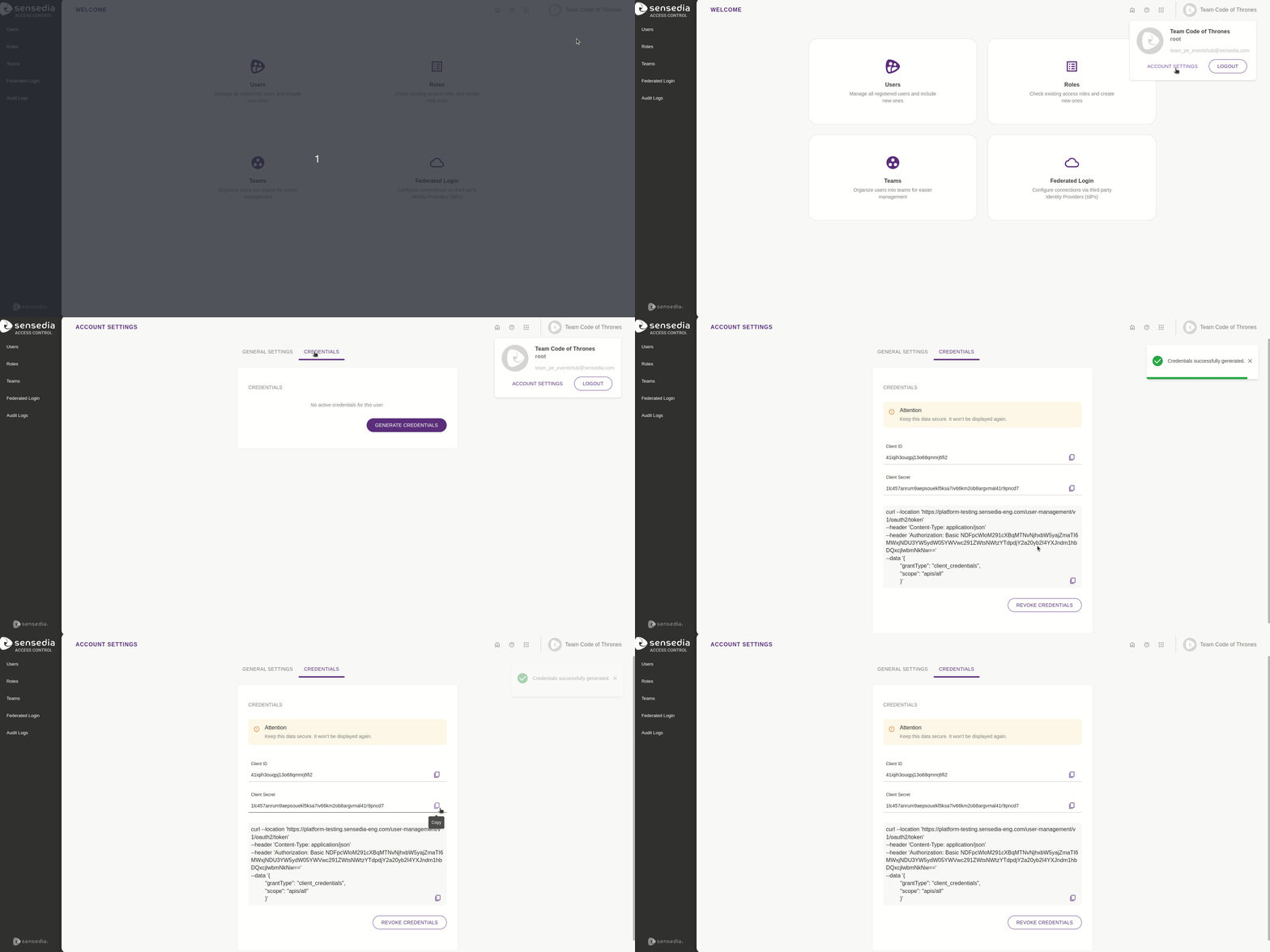
You will see two tabs: **General Settings** and **Credentials**.
- Only Super Admin users can manage access to credentials.
- Credentials expire in 3650 days (10 years), remaining valid until they are revoked. However, tokens generated with these credentials have a default lifespan of 86400 seconds (24 hours).
In the **Credentials** tab, click the **Generate Credentials** button.
The security credentials will be created and displayed on the screen.
Copy the information and keep it with you.
The *Client Secret* will not be displayed again.
Only **one** active credential per user is allowed.
That is, a user cannot generate a new credential until the existing credential is revoked.
## Revoking credentials
To revoke the user credential, still in the **Credentials** tab click **Revoke Credentials**.
Then click **Remove**.
The **Credentials** tab will be empty.
Only a Super Admin user is allowed to revoke their own credentials.
That is, other Super Admin users cannot revoke credentials from others.
- The *Client Secret* will be provided only once in the **Credentials** tab.
- Security credentials will not work if the [MFA (Multi-Factor Authentication)](/docs/en/mfa) feature is enabled.