---
title: Are the accesses for the Developer Portal and the Portal Manager different?
description: Frequently Asked Questions.
documentId: faq-access-control
locale: en-US
---
Let's start by distinguishing Developer Portal from Portal Manager:
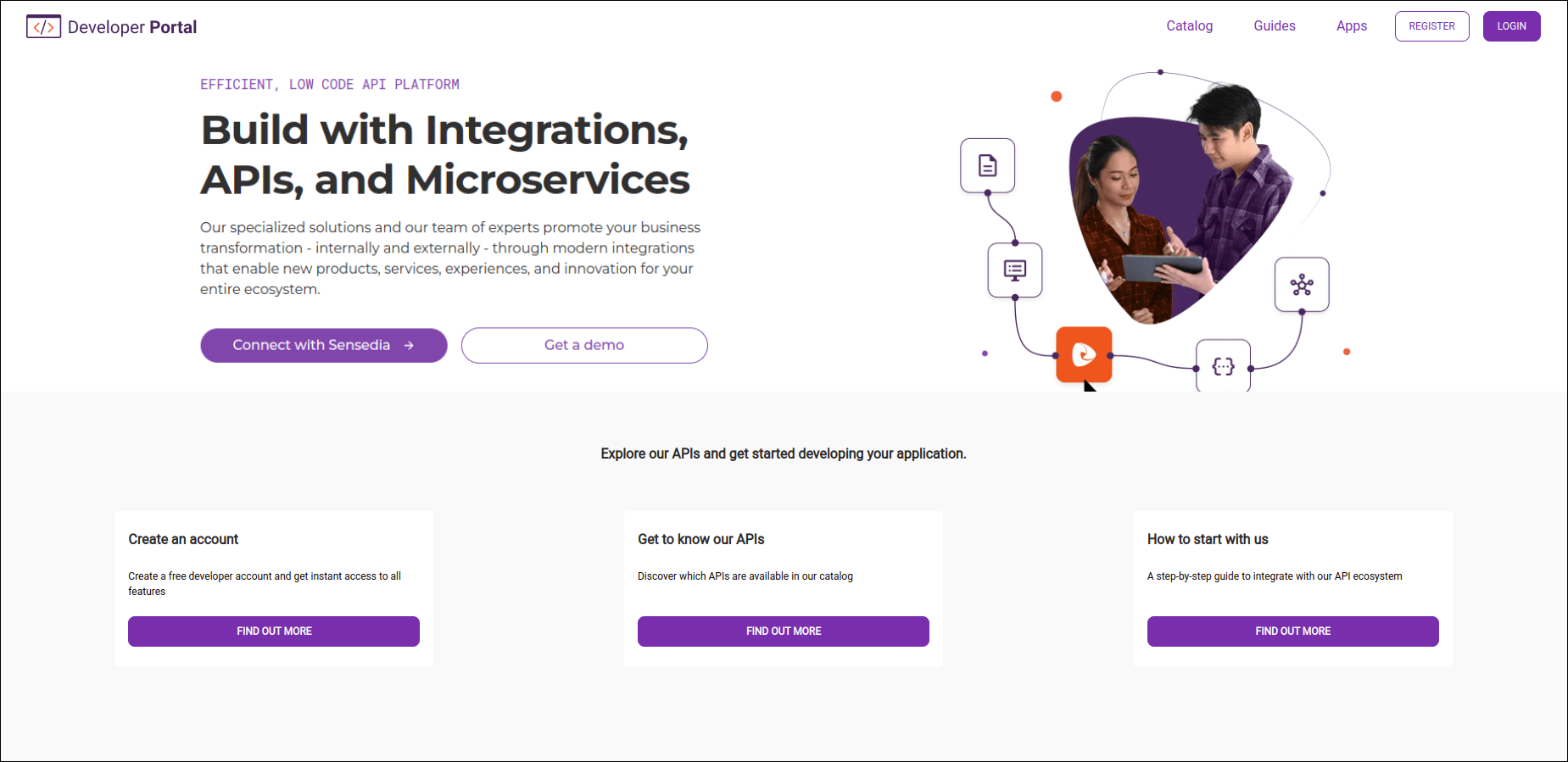
- **Developer Portal** is the page from which you will share API documentation with partner developers.
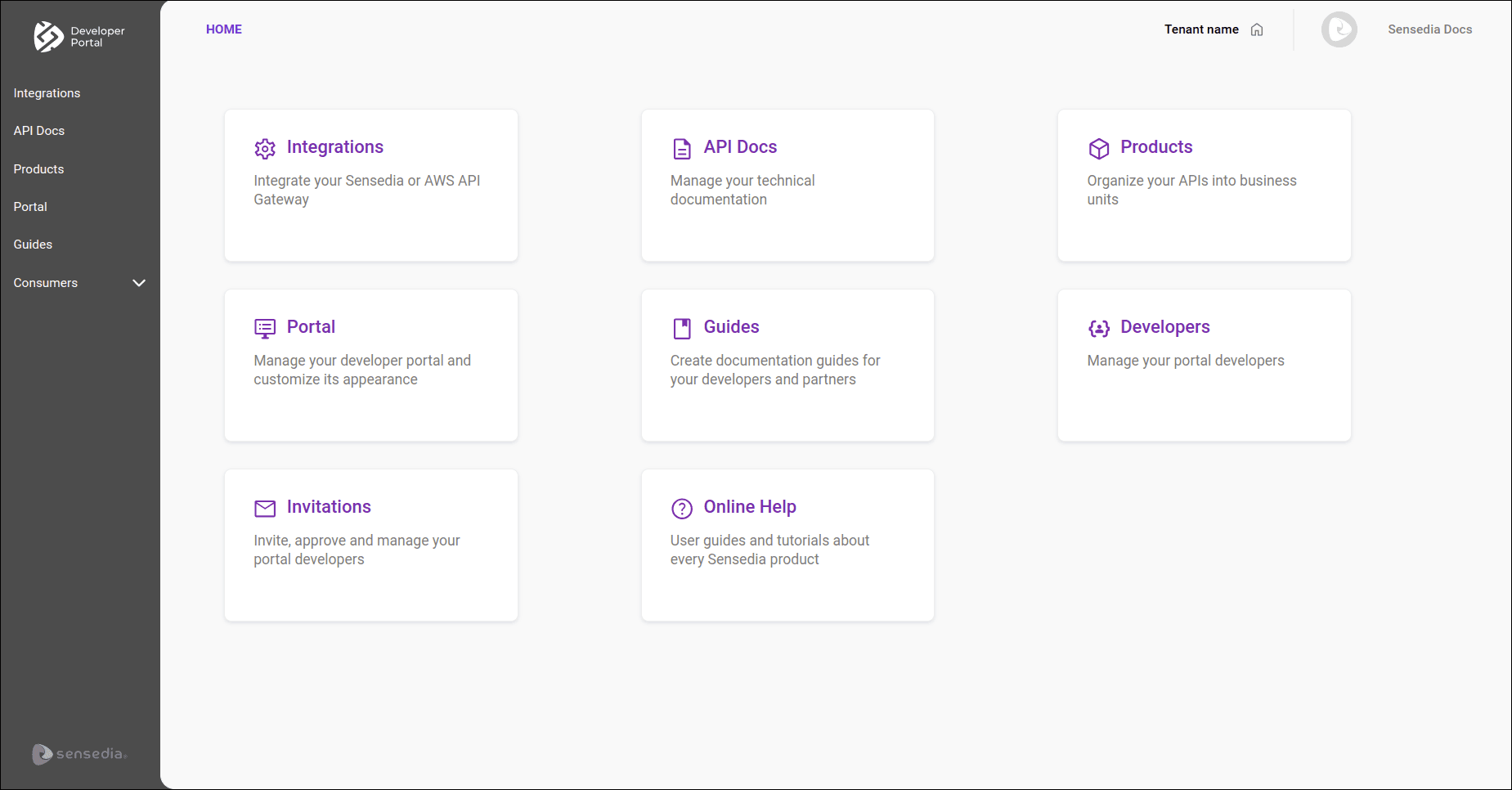
- **Portal Manager** is used to manage and configure your Developer Portal.
Here you integrate with gateways, define what will be published and customize the appearance of your portal.
## Access to the Developer Portal
To grant access to the Developer Portal, send [invitations to partner developers](/docs/developer-portal/invitations#send-invitation). Developers can also request access by going to REGISTER > CREATE AN ACCOUNT, from the top right corner of the Developer Portal page.
Once registered, you can [manage statuses](/docs/developer-portal/developers#active-inactive), activating or inactivating accesses.
Click the links above to see the steps in detail.
## Access to the Portal Manager
To add administrators, use [Access Control](/docs/access-control/new-user). Click on the link to see the steps in detail.
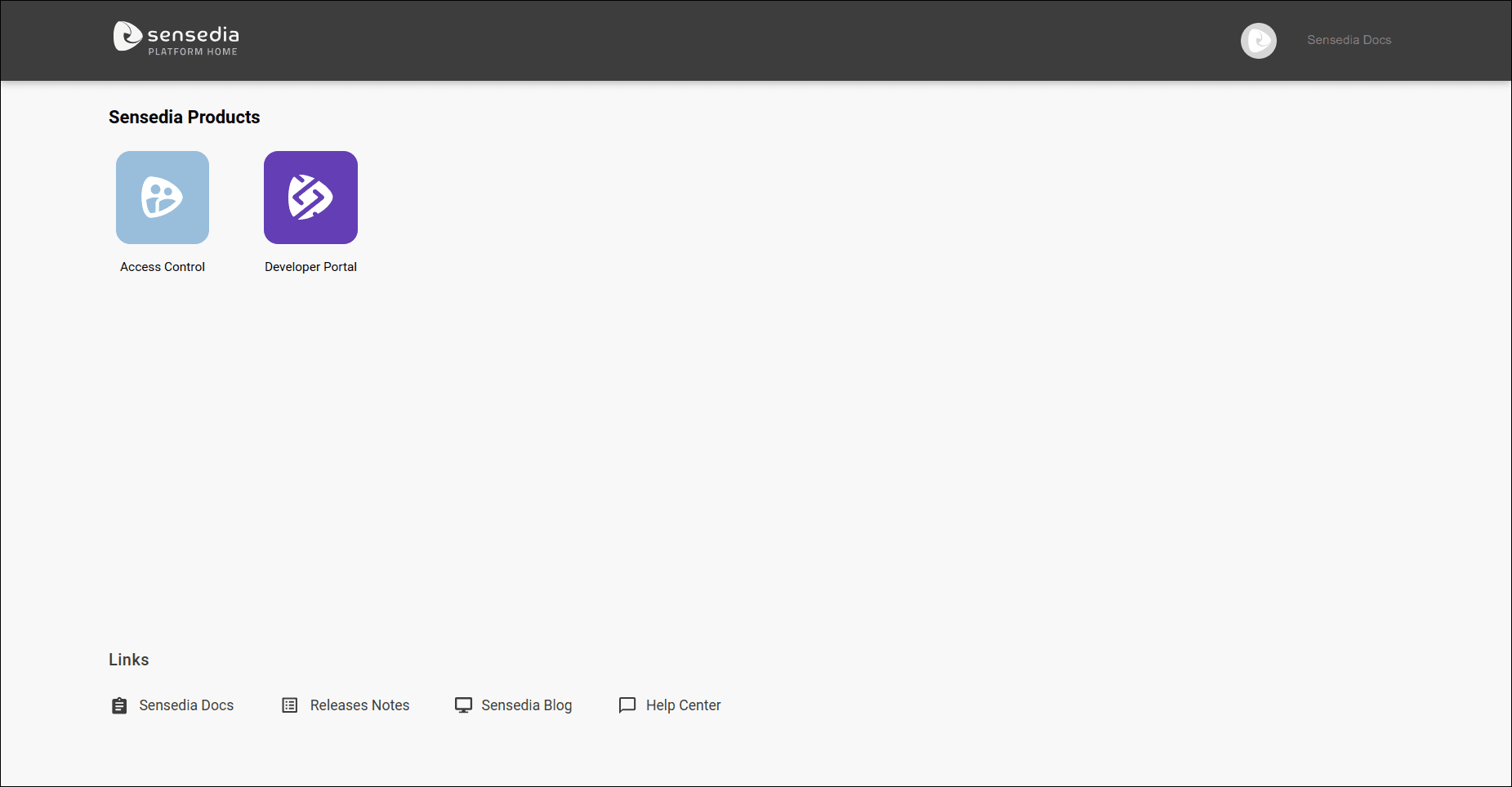
The image below illustrates the page from which you enter Access Control.