---
title: Flow Variables
description: Configuring Flow Variables
documentId: ipaas-flow-variables
locale: en-US
---
Variables allow for custom flow configuration and environment parameterization, eliminating the need to create a separate integration flow for each environment.
If your flow has a REST type _trigger_, it will not be possible to use environment variables in the URI.
## Creating a variable
Variables can be created in both the **Diagram** tab and the **Source Code** tab.
In the **Diagram** tab:
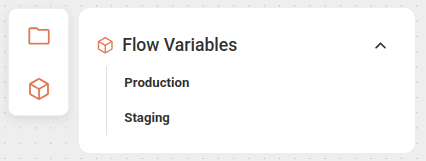
Click the variables icon  on the left side of the canvas.
Select the environment in which the variable will be applied: _Production_ or _Staging_.
Register the variable in the form that opens.
Save the variable by clicking **SAVE**.
In the **Source Code** tab, in the folder structure **Source > Flow Variables**:
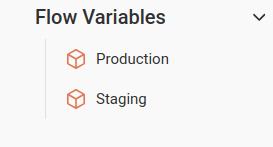
Select the environment in which the variable will be applied: _Production_ or _Staging_.
Register the variable in the form that opens.
Save the variable by clicking **SAVE**.
To register a variable, fill in the following fields:
* **Variable**: variable name.
Alphanumeric field.
The use of `.` and `_` characters is allowed.
* **Value**: value assigned to the variable, which will be deployed automatically according to the selected environment.
>To apply the variables, enter the variable name in curly braces inside the component, as in the example below:
>
>* Variable in the HTTPS component:
>
>```
>uri: https://{{variable name}}
>```
>
>In this case, follow the steps below:
>
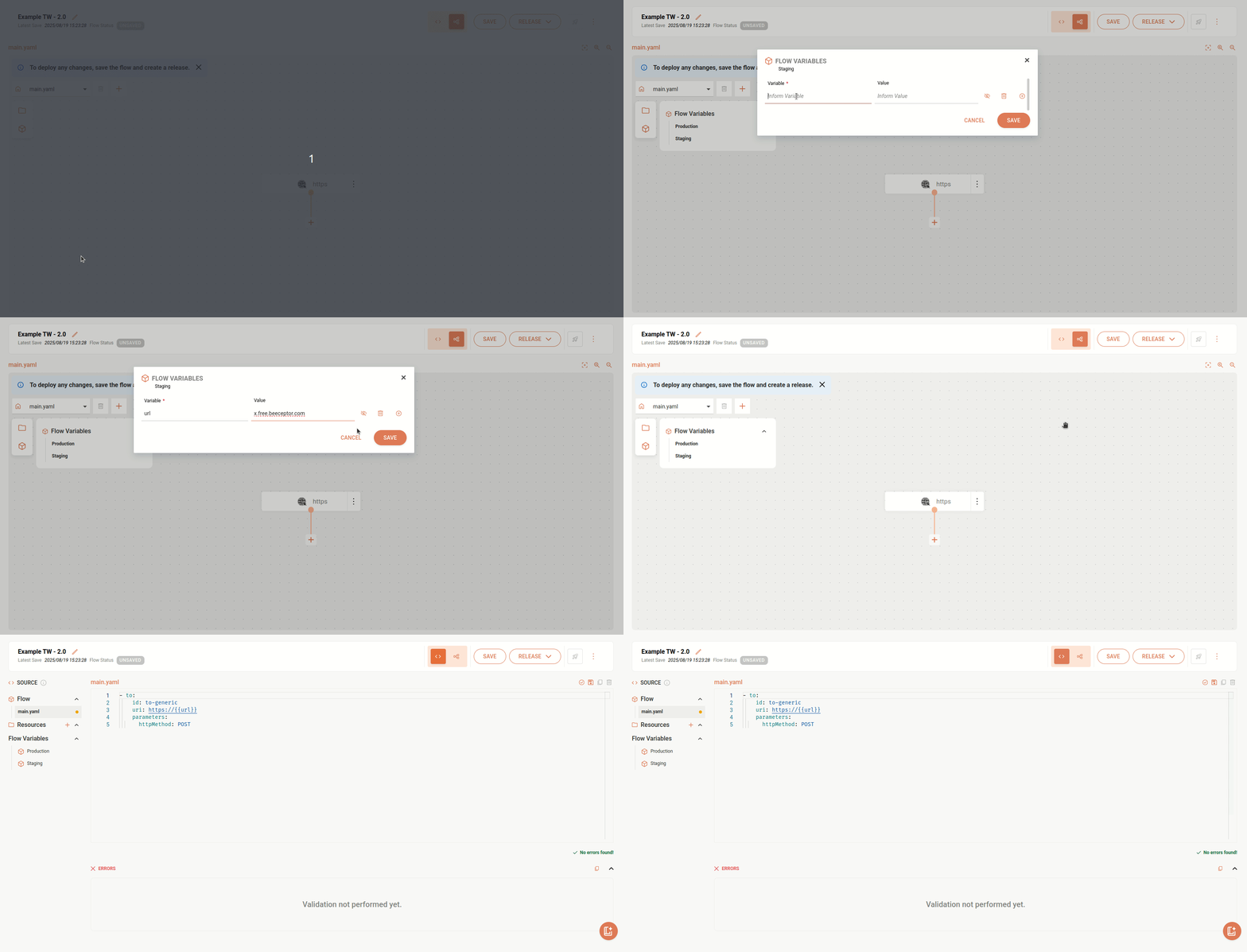
> * Register the variable by clicking the _flow variables_ icon on the canvas.
>
> * In the HTTPS component form, in the **Common** tab, fill in the **Http Uri** field with the variable name in double curly braces: `{{variable name}}`.
## Variable management
* To add more than one variable, click the **+** button on the right side.
* To delete a variable, click the trash icon.
* To hide a variable, click the eye icon.
It is not possible to change the variables of a flow with **Deployed** status.
To modify them, a new deployment will be required.
## Locked variables
The variables listed below are reserved for internal use and cannot be used:
```
AWS_ACCESS_KEY_ID
AWS_SECRET_ACCESS_KEY
AWS_REGION
AWS_DEFAULT_REGION
RESOURCES_DIR
CAMEL_* (any variable starting with CAMEL_)
```
## Examples
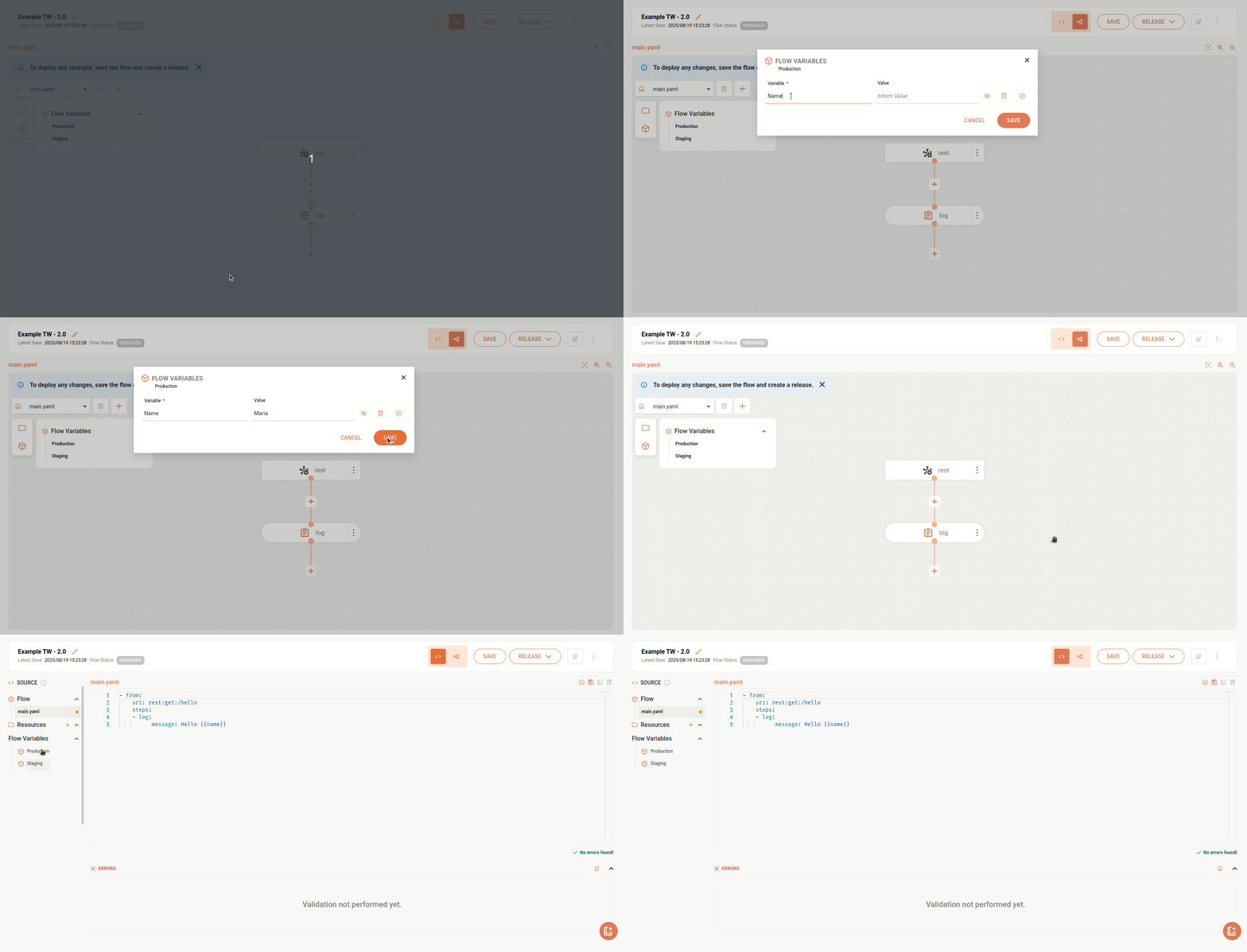
The example below references the variable "name".
When executing this integration, the variable will be replaced by the registered name.
```yaml
- from:
uri: rest:get:/hello
steps:
- log:
message: Hello {{name}}
```
In this other example, we reference a variable in a URL.
```yaml
- to:
id: to-generic
uri: https://{{url}}
parameters:
httpMethod: POST
```