---
title: Connector Manager
description: See how to create and manage connectors for Canvas flows
documentId: ipaas-legacy-connector-manager
locale: en-US
---
Exclusive functionality for old canvas flows (legacy).
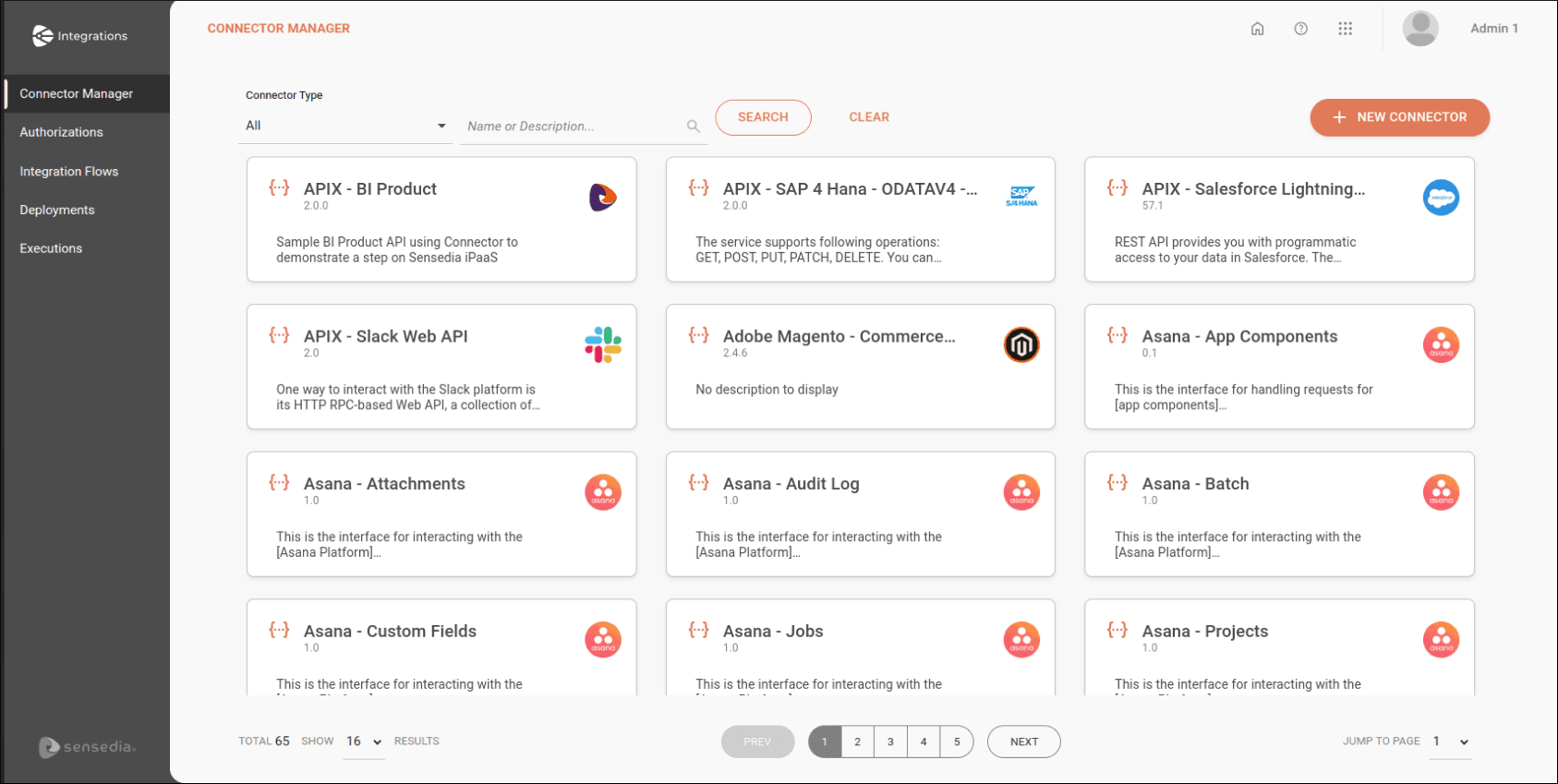
To **create, edit, and view connectors**, access the **Connector Manager** screen.
You can view all public connectors and those you created (private).
Connectors are displayed on cards in alphabetical order.
Each card contains an icon identifying the connector, a title, and a description.
To search for a connector, type its name or a word from its description in the search box at the top of the screen.
Then click **SEARCH**.
You can also restrict the visualization of connectors by type.
To do this, in the upper right corner, click the arrow in the **Connector Type** field and select the type of connector you want to use as a filter.
If you want to clear what was typed or return to the initial view of available connectors, click **CLEAR**.
## Create and configure connectors
See how to create and configure each type of connector:
* [REST API](/docs/integrations/ipaas-legacy-connectors-rest-api)
* Technical (APIM):
* [Databases](/docs/integrations/ipaas-legacy-connectors-database)
* [Cloud Providers (AWS Lambda)](/docs/integrations/ipaas-legacy-connectors-cloud-provider)
* [Healthcare (Tasy)](/docs/integrations/ipaas-legacy-connectors-health)
* [Management System - ERP (SAP BAPI)](/docs/integrations/ipaas-legacy-connectors-erp)