- Home
- ...
- Connection with Sensedia gateways
- Connection with Sensedia API Management 5.x
Security Credentials
Access and security management for API Management 5.x is handled by Access Control.
To create a new connection with Sensedia API Management 5.x, you need to provide your access credentials (client ID and client secret).
If you do not have your client secret, revoke your current credentials and create new ones. Whenever you create new credentials, edit the information in your connection.
IMPORTANTThe user needs Super Admin access to create security credentials.
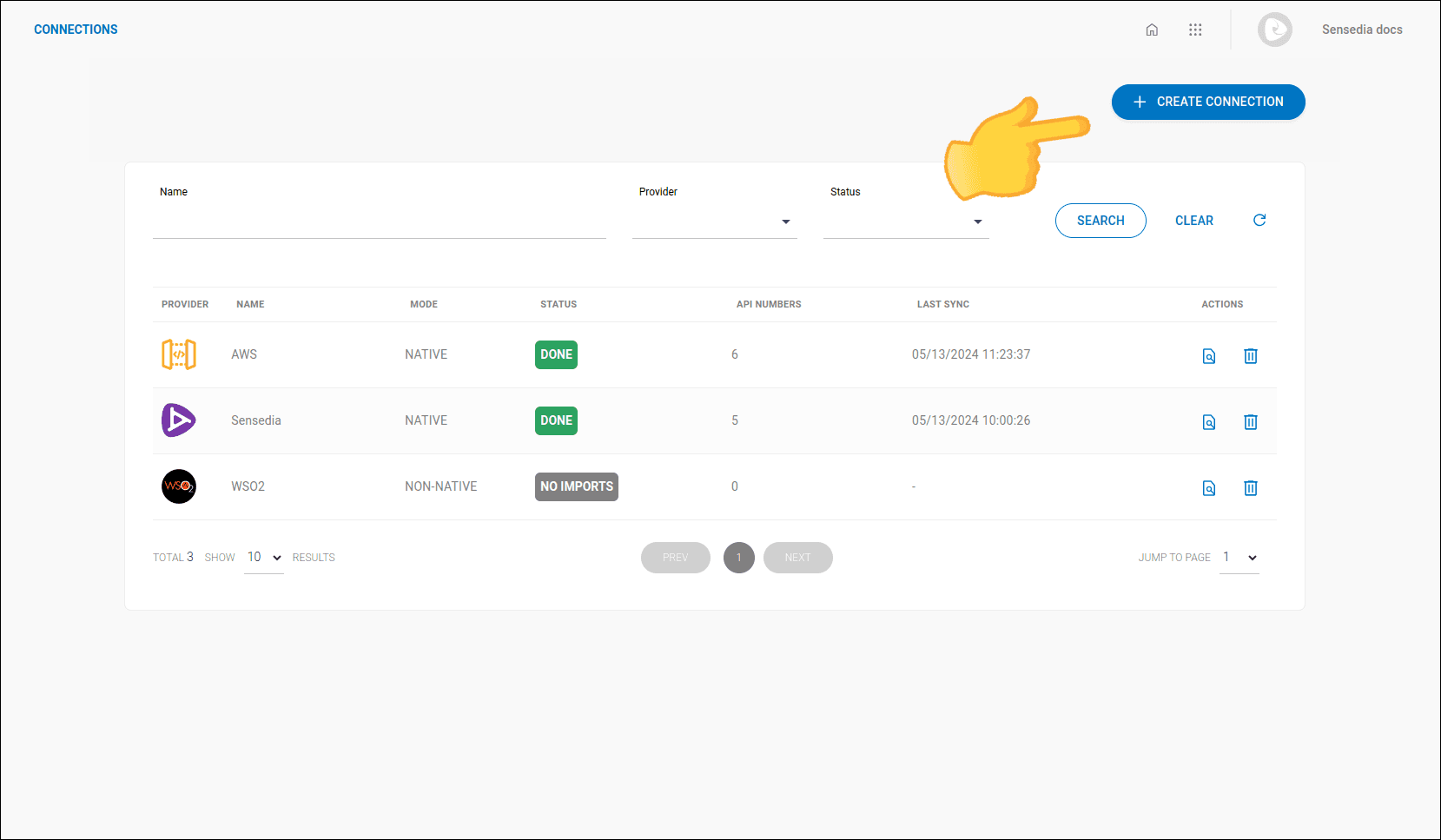
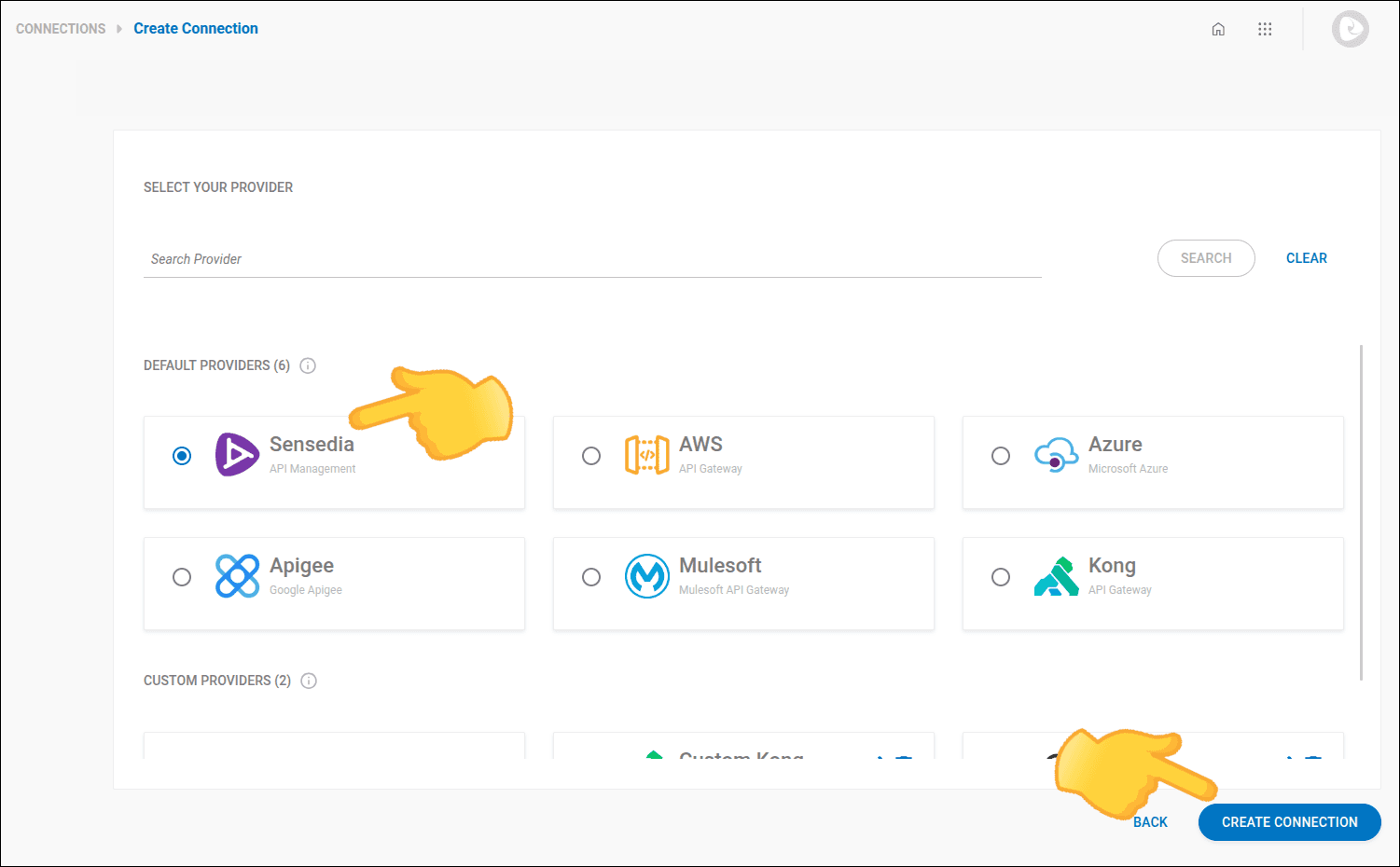
Creating a New Connection
Step 5
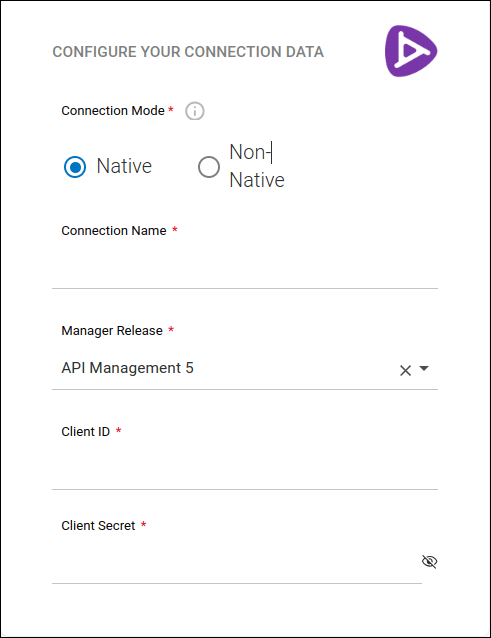
In step 2 - CONNECTION, provide the following information:
- Connection mode: Select the connection mode: whether it is native (data updated directly with the provider) or non-native (manual upload).
- Connection name: Define a name for the connection.
- Manager Release: Select a version.
- Client ID and
- Client Secret: security credentials.