- Home
- Documentation
- Developer Portal
- Portal Manager
Portal Manager is the management interface for your Sensedia Developer Portal.
The Sensedia Developer Portal product consists of two main parts:
- Portal Manager: where the administrator makes the key configurations, and
- Developer Portal: the page that displays your API documentation.
Portal Manager and Developer Portal
Understand the difference between them:
-
Portal Manager: to differentiate, we call the management interface of the Sensedia Developer Portal product "Portal Manager". This is where you configure settings such as: establishing connection with your gateway, organizing the products with their APIs, determining which products are published, sending invitations to developers, etc. Within Portal Manager, you have the following pages. Click to learn more about each one:
-
Developer Portal: your developer portal, with your visual identity and your documentation. Here you configure the Apps, view your API catalog and access guides. By default, your Developer Portal has the resources listed below. Click to learn more about each one:
- Catalog;
- Guides;
- Apps and
- the Registration and Login screen.
Portal Manager | Developer Portal* |
|---|---|
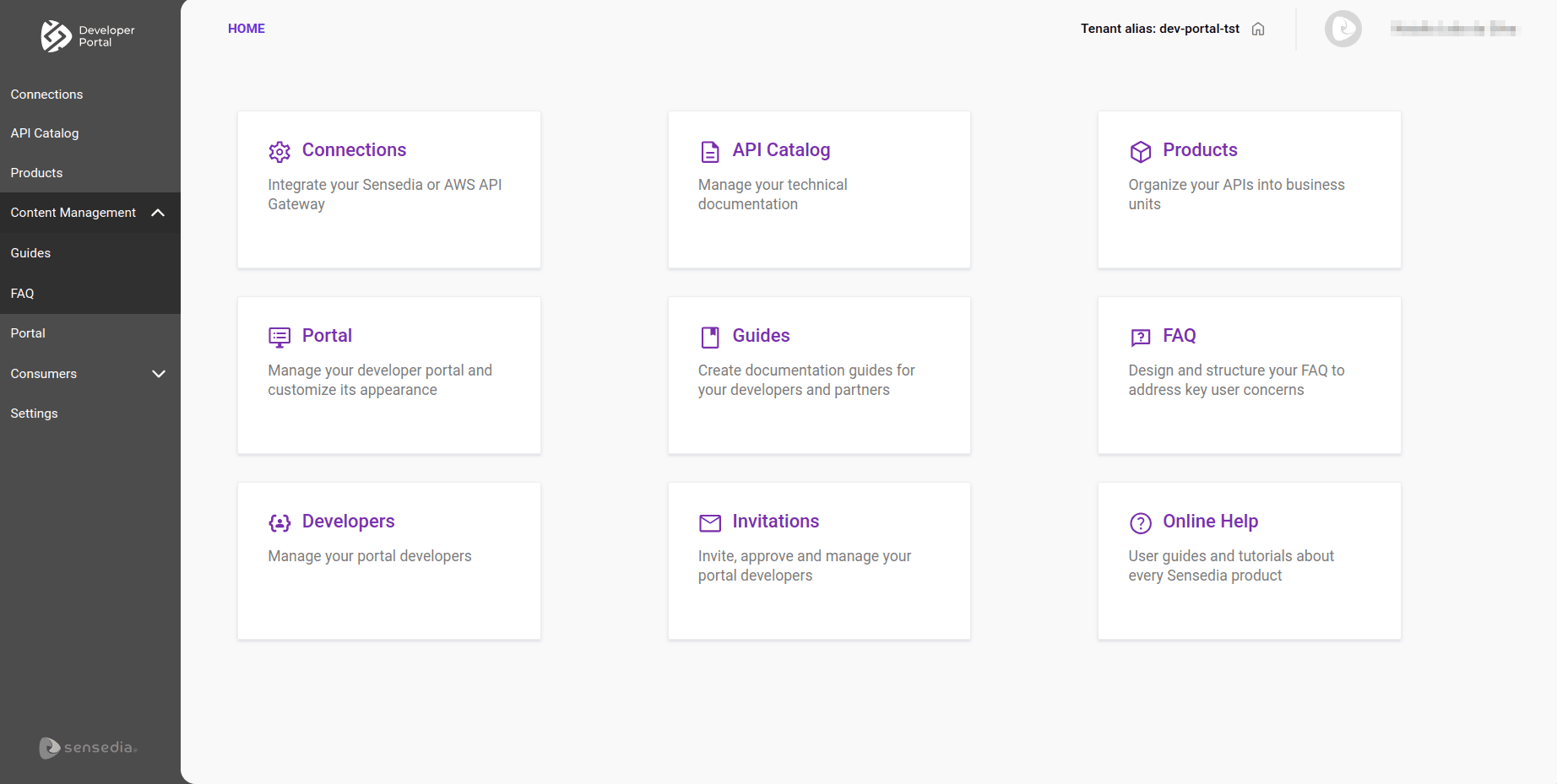 | 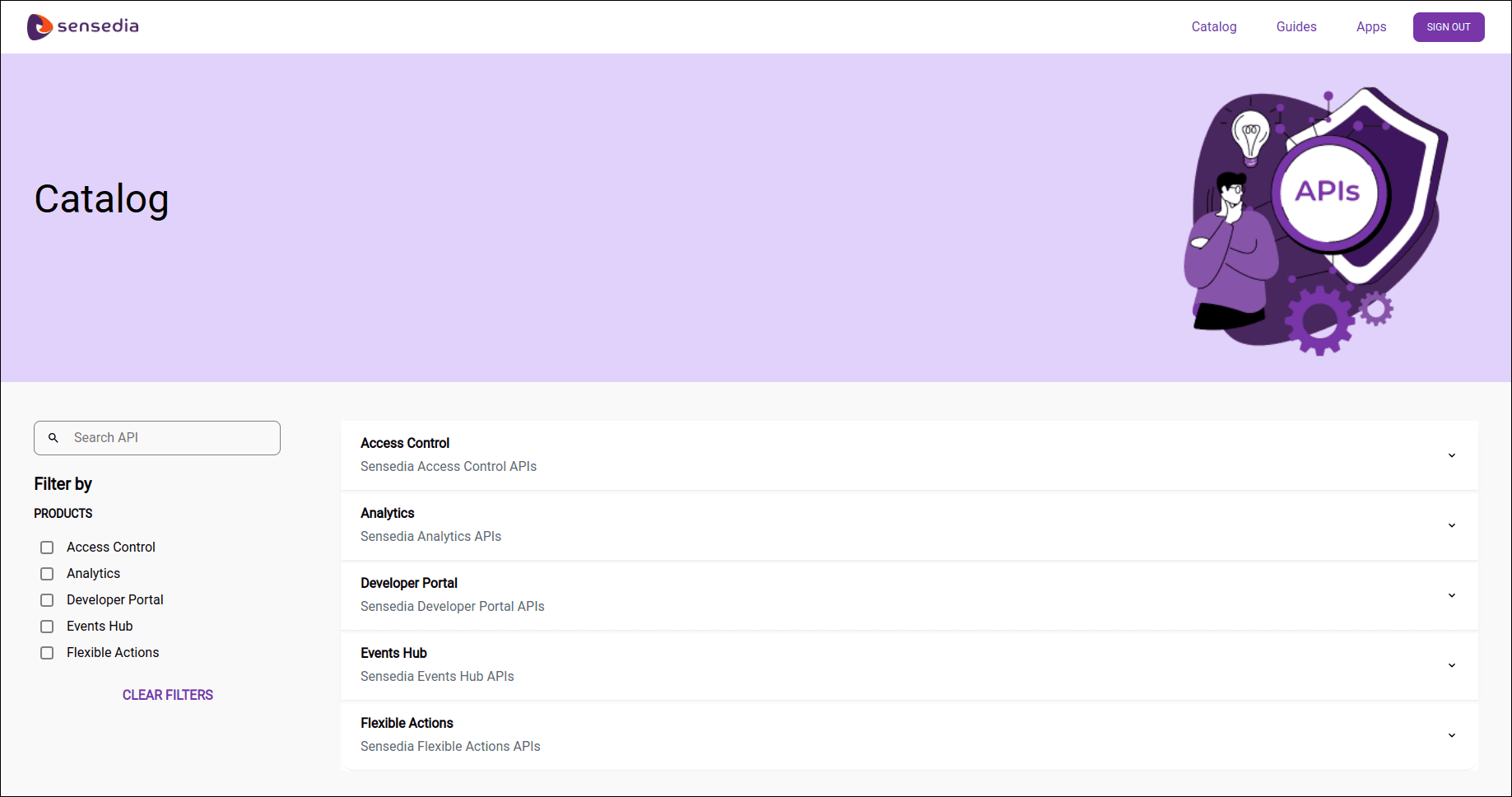 |
Watch the video about the difference between Portal Manager and Developer Portal:
Summarizing
Portal Manager: interface for management and configuration.
Developer Portal: personalized page that displays your API documentation.
Portal: Portal Manager area for configuring your Developer Portal.