- Home
- ...
- Developer Portal
- Catalog
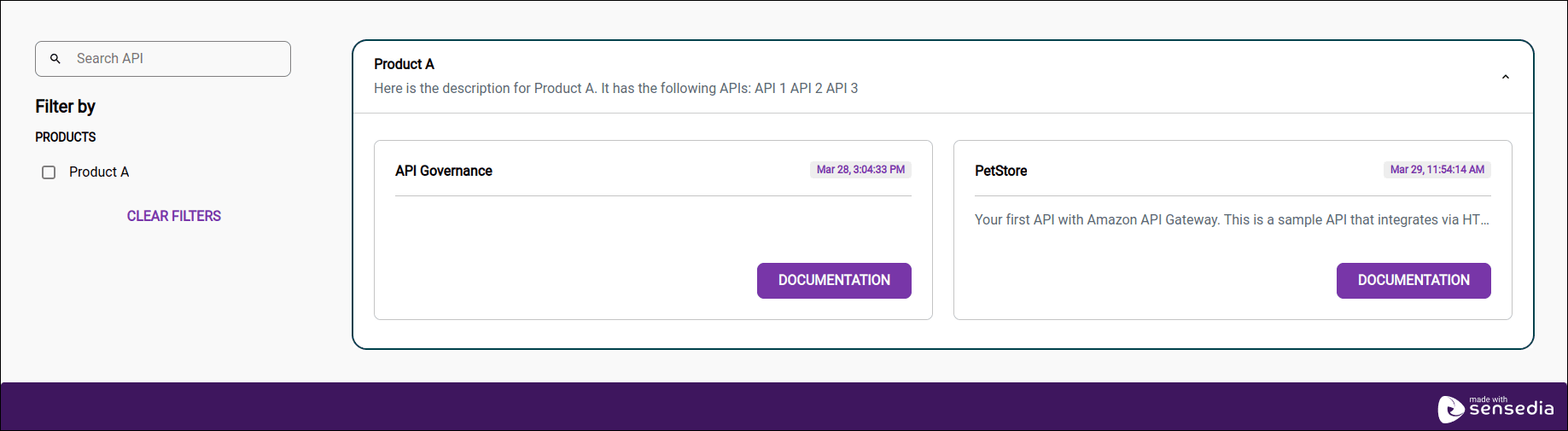
The Catalog page displays the documentation for your APIs, organized by product.
The upload of API documentation and the organization of APIs into products are done through the Portal Manager.
Follow the steps below to download a swagger file.
Step 1
Access your Developer Portal. Go directly to the link or access the Portal Manager and click Portal to get the link.

Step 4
Click the API's DOCUMENTATION button. The images below are for illustrative purposes only. Colors, logos, and other elements may vary depending on the customization made in Portal > Appearance of the Portal Manager.

Accesses
To view the documentation for an API in the catalog, it is necessary:
Administrator, if a user does not see a product or API in the API catalog, verify:
-
If at least one role has API Catalog defined as one of its routes.
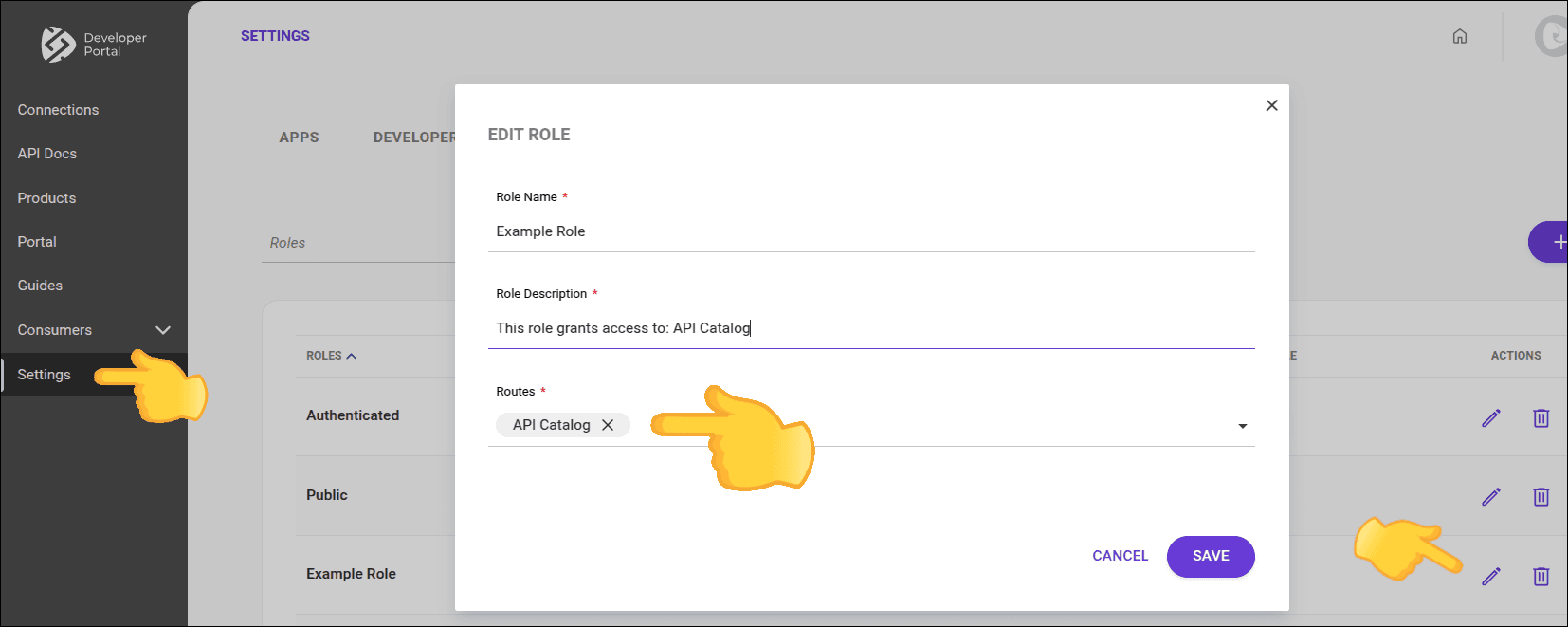
-
If the API:
-
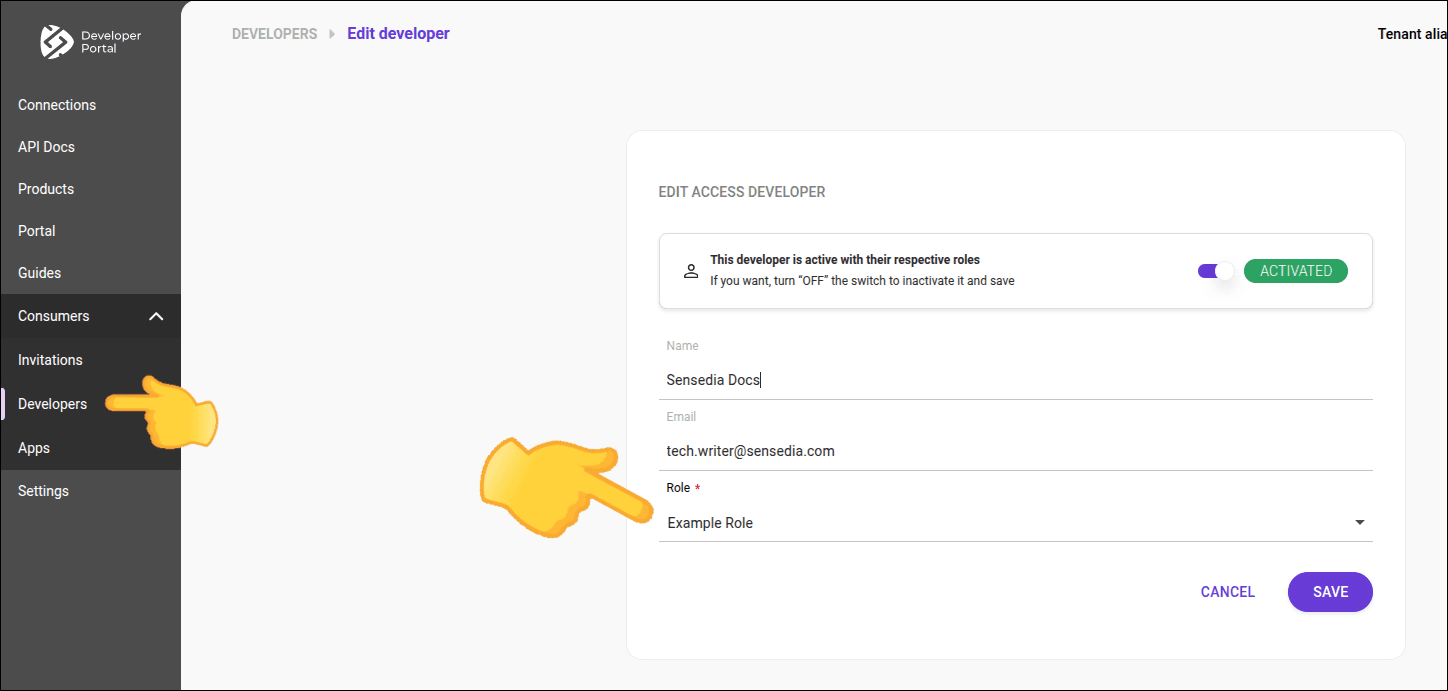
If the user has this role.
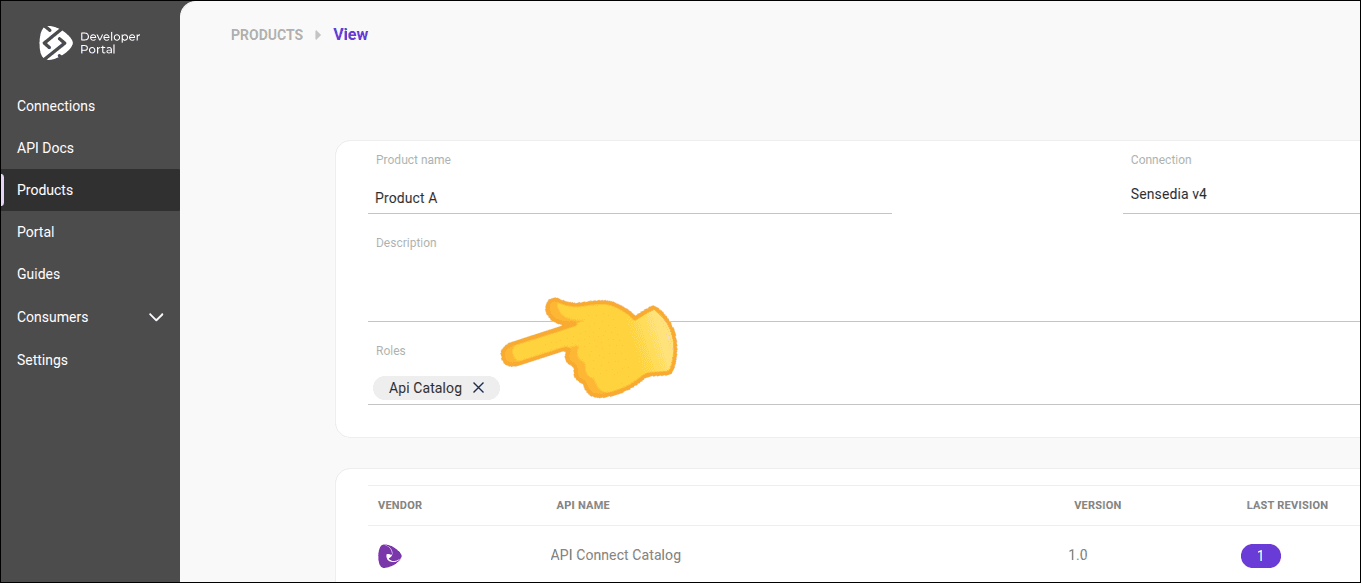
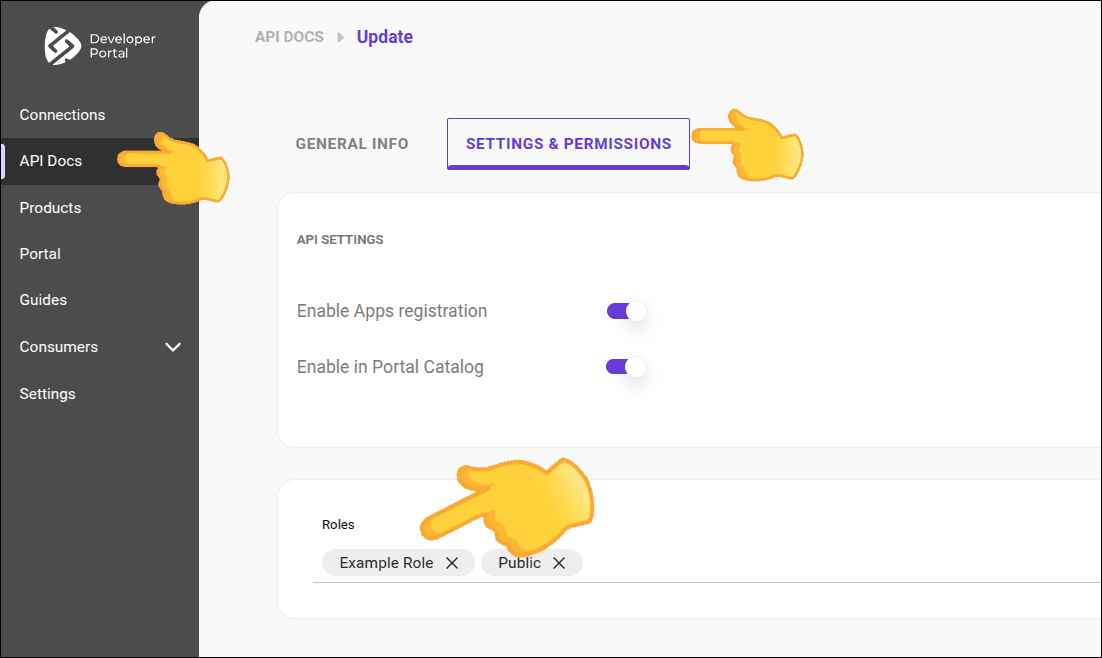
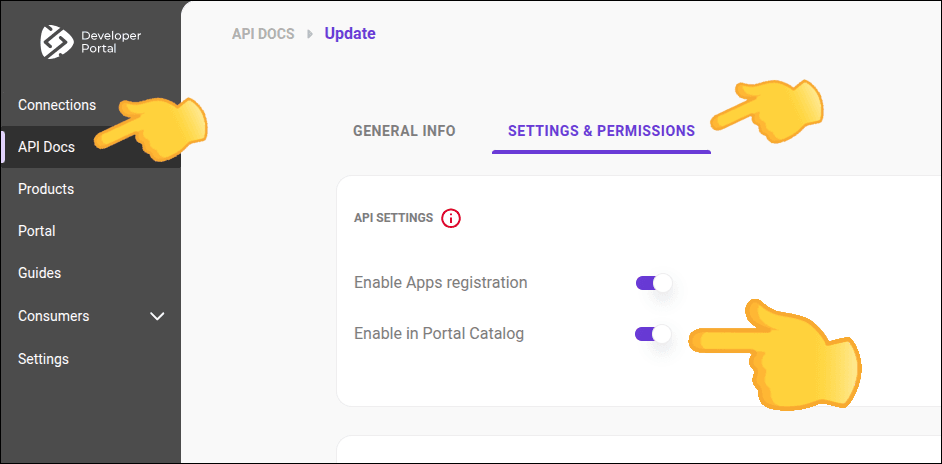
Registering and editing roles for a product
Administrator, follow these steps to define which roles can access the API Catalog:
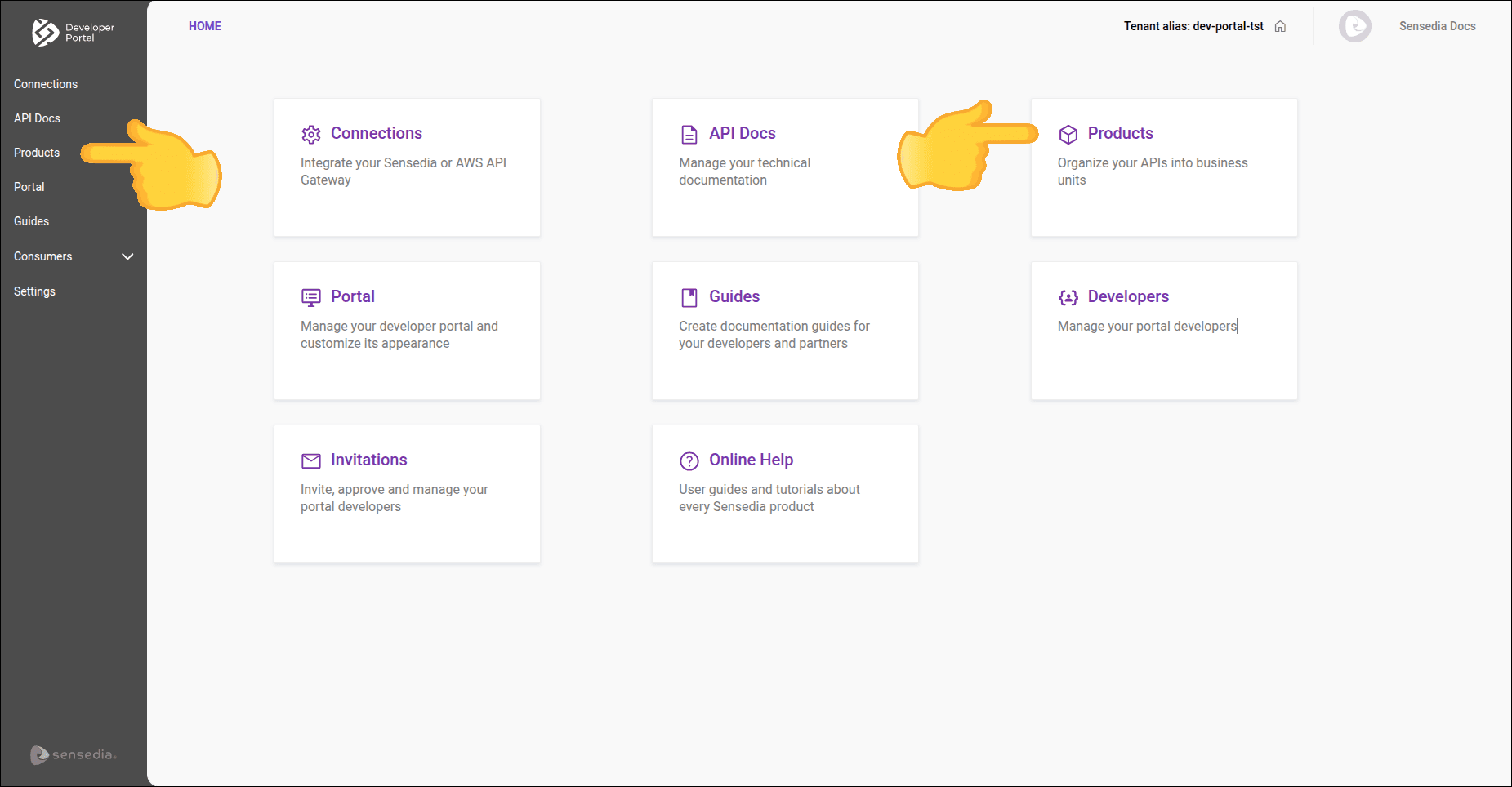
 for the product you want to edit.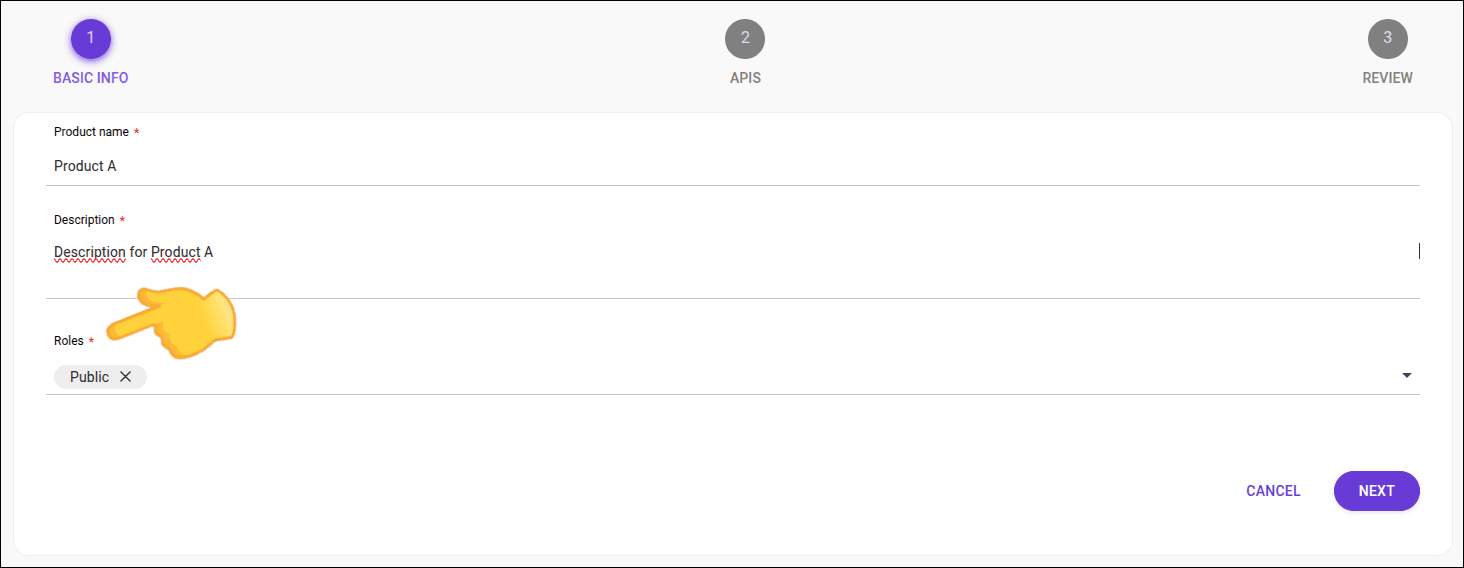
TIP
- See how to assign roles to a user.
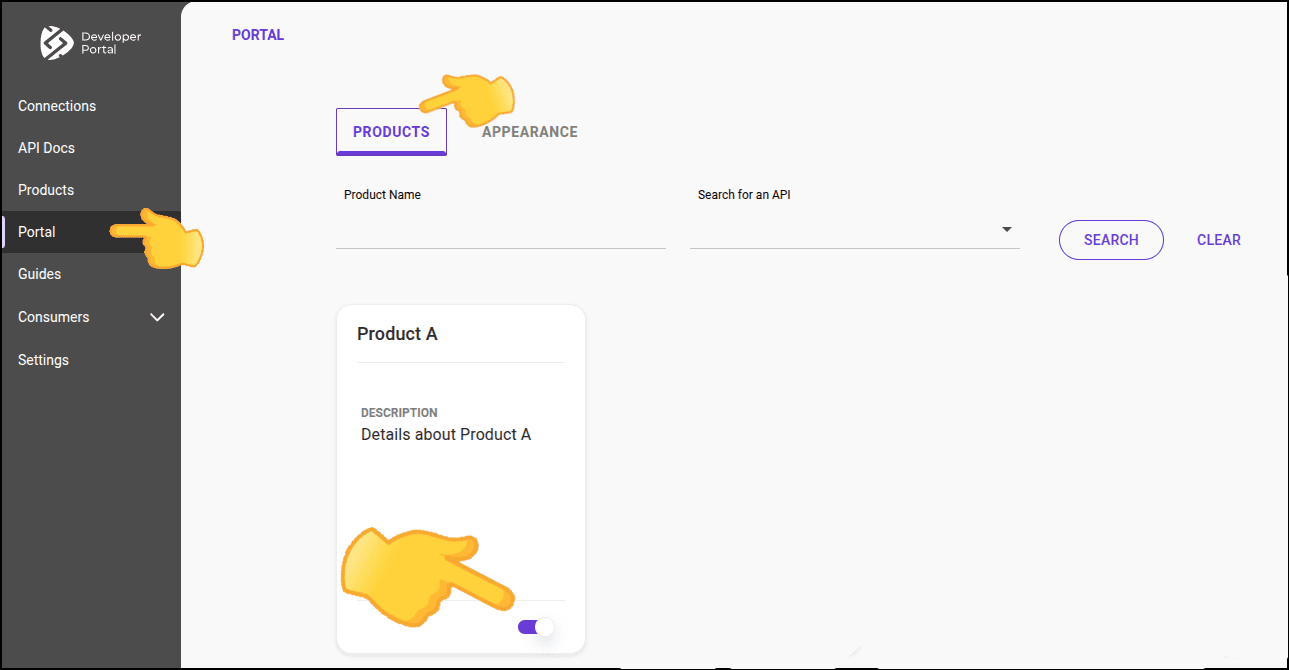
- Publish a product so that it appears in the API catalog.
- Create a new product.