How to read the details of a log and find the related trace.
To open the details of a log, click its row in the list of logs. The Log Details panel opens on the right.
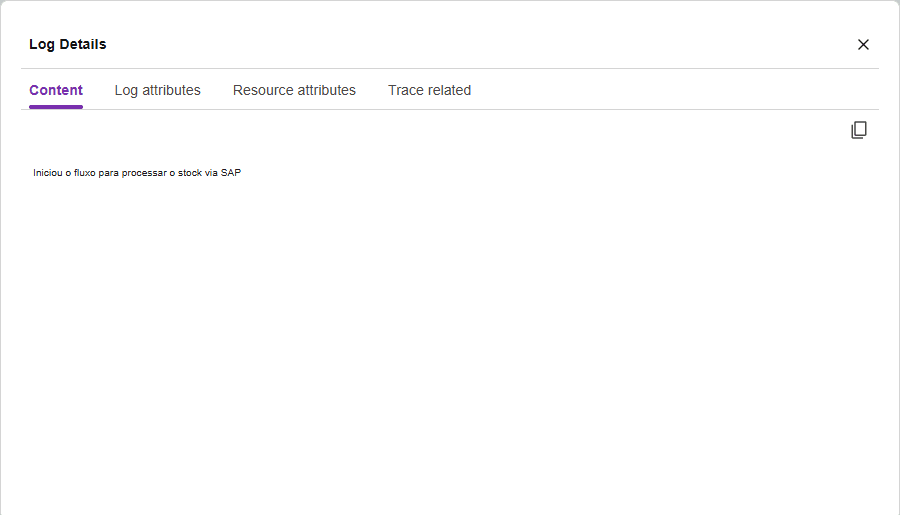
Panel tabs
Use the copy button, in the corner of the panel, to copy the content of the tab.
Related trace
The Trace related tab shows the trace of the request that generated the log: name, status, service, Trace ID, and duration.
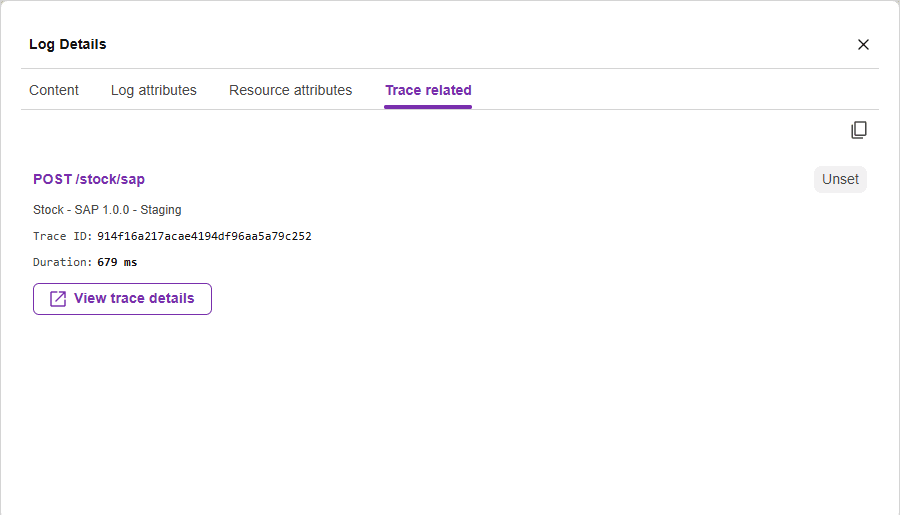
Click View trace details to open the trace details and see the whole request.