- Home
- ...
- API Catalog
- Settings and Permissions
Settings and Permissions
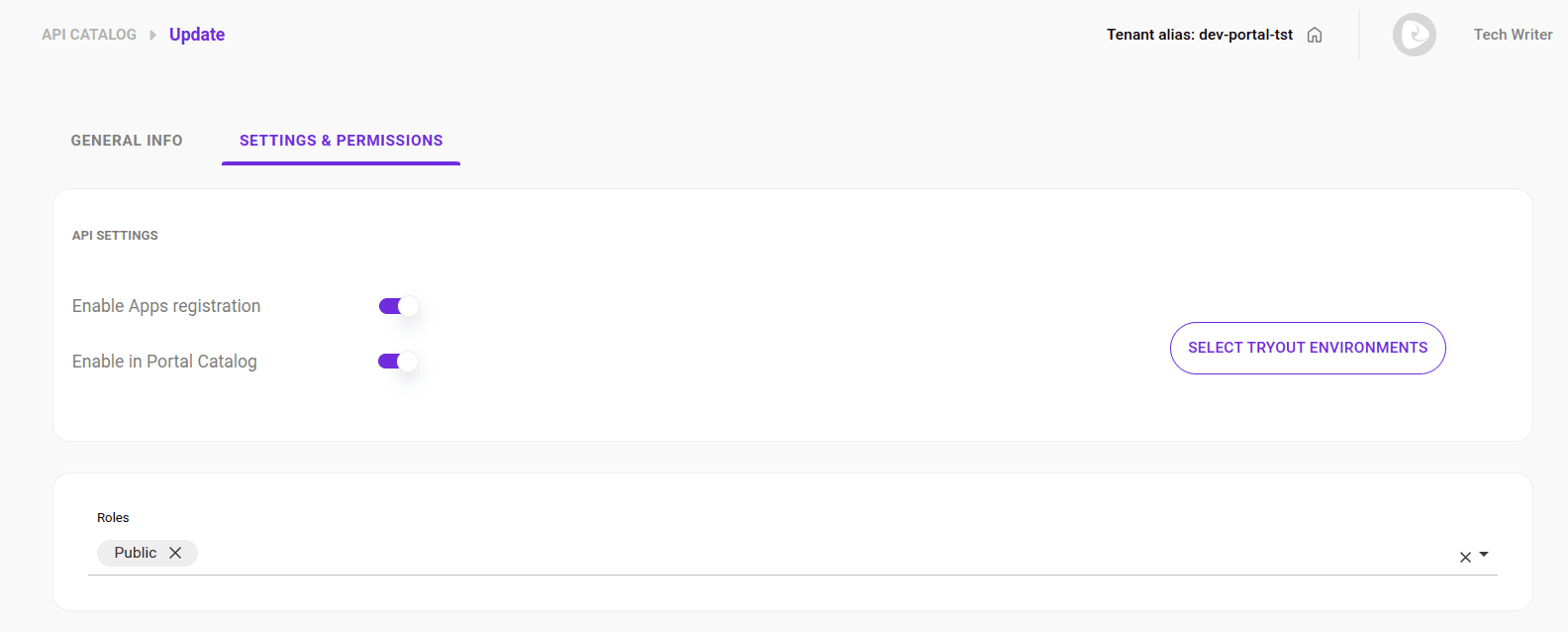
On the Settings and Permissions tab, you can:
- Enable App registration and allow the API to be displayed in the Catalog.
- Configure the API to allow developers to make calls directly from the documentation (tryout).
- Define the roles for access control.
- Choose the environment for tryout.
NOTEThis configuration is only available for APIs automatically imported with the connection.
IMPORTANTEnable Apps Registration unavailable for HTTP APIs
If you are configuring an API of type HTTP, the Enable Apps Registration button will be disabled due to limitations of the current version of the AWS Gateway. Therefore, it is not possible to generate credentials or create Apps for this type of API in the Developer Portal.
See how to:
- Navigate to the API Settings screen.
- Allow App registration for the API.
- Allow the API to be displayed in the Catalog.
- Configure the roles.
- Choose environment for tryout.
Accessing the Settings and Permissions tab
Follow these steps to access the Settings and Permissions tab:
Step 1
Access the API Catalog page by clicking the left side menu or the card on the Developer Portal home screen.
Step 3
In the ACTIONS column of the API list, click the  for the desired API.
NOTEThe AVAILABILITY column indicates whether:
the API is available for display in the catalog and for app creation;
the API is not available for display in the catalog or (exclusive or) for app creation.
the API is not available for display in the catalog and (conjunction) for app creation.
Allowing App Registration
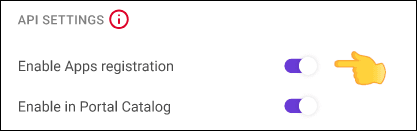
To allow developers to register their applications in the Developer Portal, simply select the Enable Apps Registration option.
Keep the Enable Apps Registration button disabled if you want to block App registration.
NOTEThis option is only available for APIs with native connections.
Allowing the API to be Displayed in the Catalog
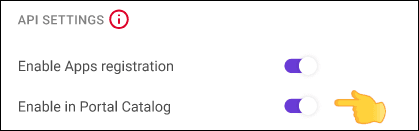
To allow the API to be displayed in the Catalog, simply select the Enable in Portal Catalog option.
If you prefer that the API is not displayed in the Catalog, keep the Enable in Portal Catalog button disabled.
Roles
You can define one or more roles that can have access to the API documentation listed in API Catalog.
Follow these steps to edit role permissions:
Select environment for tryout
With tryout, you can make calls to the API directly from the documentation. See how to use tryout.
To define the environment for the tryout:
IMPORTANTThe environments available for tryout are named in a standardized way, regardless of the provider, based on the API contract's technical specifications:
For OpenAPI 3.x: the information is obtained from the
servers.url(address) andservers.description(environment name) fields.For Swagger 2.0: the URL is formed by combining the
scheme,host, andbasePathfields.If the contract does not provide an explicit description for the environment, the system uses the URL host as the identifier or automatically searches for keywords (such as prod, dev, or test) to name the environment.