- Home
- ...
- API Catalog
- API Settings
API Settings
The documentation available in API Catalog can be configured in API Settings:
On the API Settings page you can configure the API to allow developers to make API calls directly from the documentation (tryout), enable App registration, and allow the API to be displayed in the Catalog.

NOTEThis configuration is only available for APIs that have been automatically imported with the connection.
See more about:
- How to get to the API Settings page .
- Making test calls to the API (tryout).
- Allowing APP registration for the API.
- Allowing the API to be displayed in the Catalog.
API Settings
To access the API Settings screen, follow these steps:
Step 1
Access API Catalog.
Step 3
In the ACTIONS column of the API list, click on the  of the desired API.
NOTEThe AVAILABILITY column indicates if:
the API is available for app creation and to be displayed in the catalog;
the API is not available for display in the catalog or (exclusive) for app creation.
the API is not available for display in the catalog and (conjunction) for app creation.
Tryout
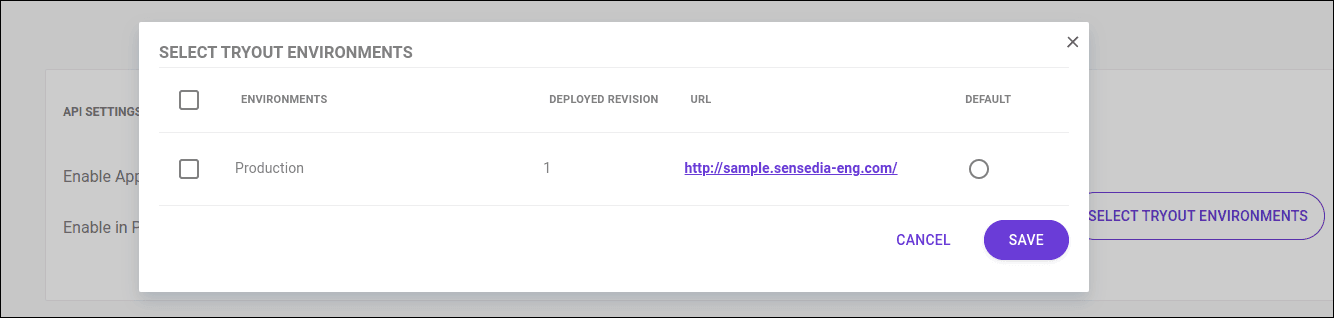
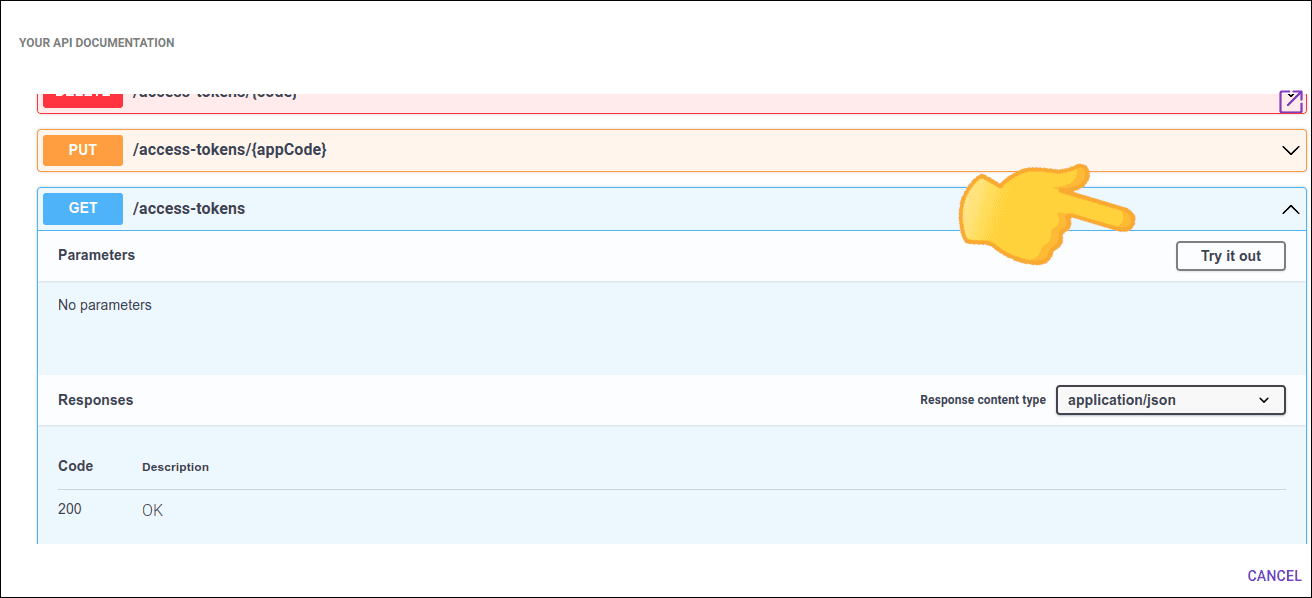
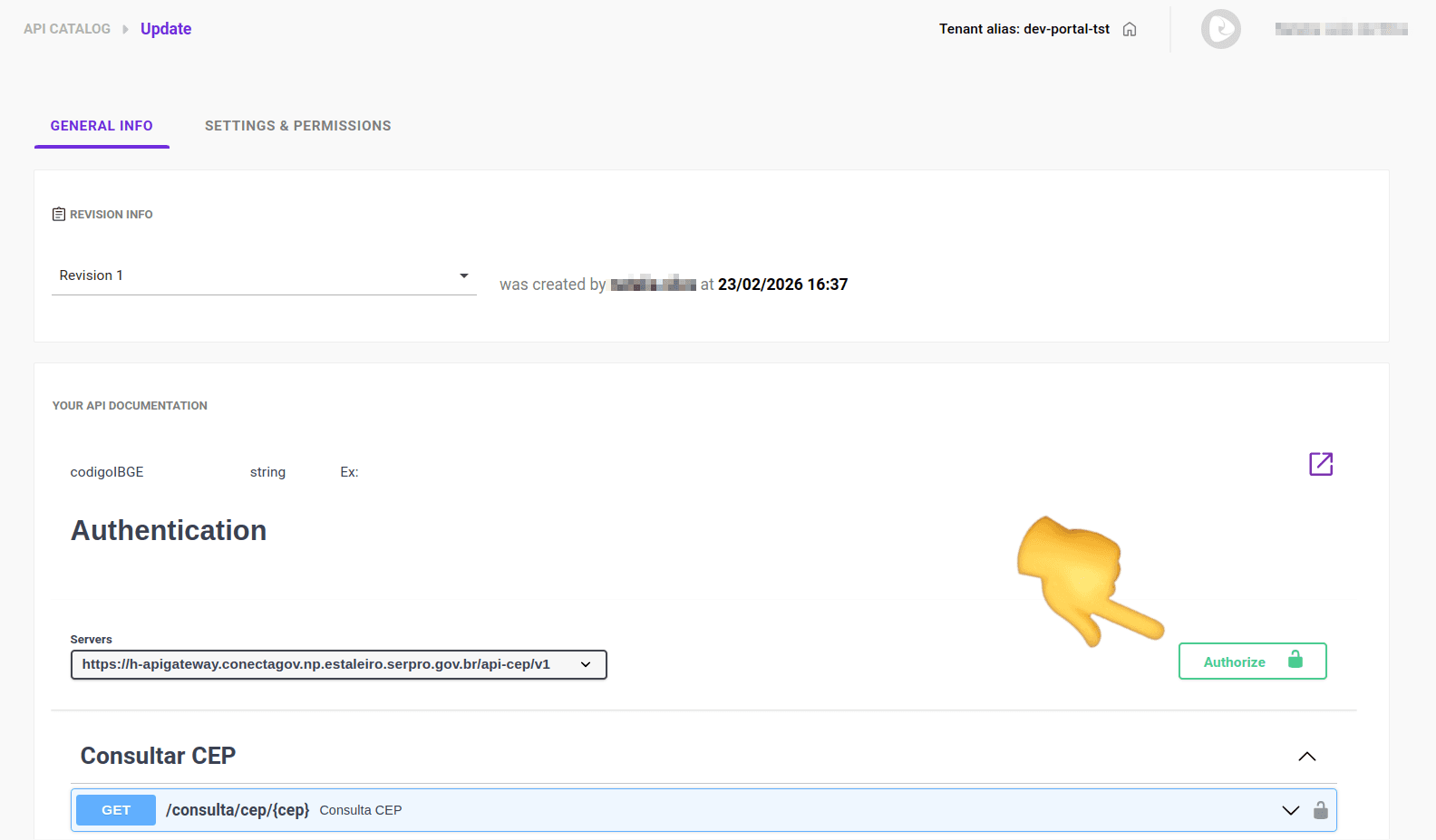
This feature allows you to make calls to the API directly from the documentation.
With tryout, you can understand the formats of requests and responses and the parameters for each endpoint.
Follow these steps to use the tryout feature:
Step 1
Follow the steps above to get to the API Settings screen.

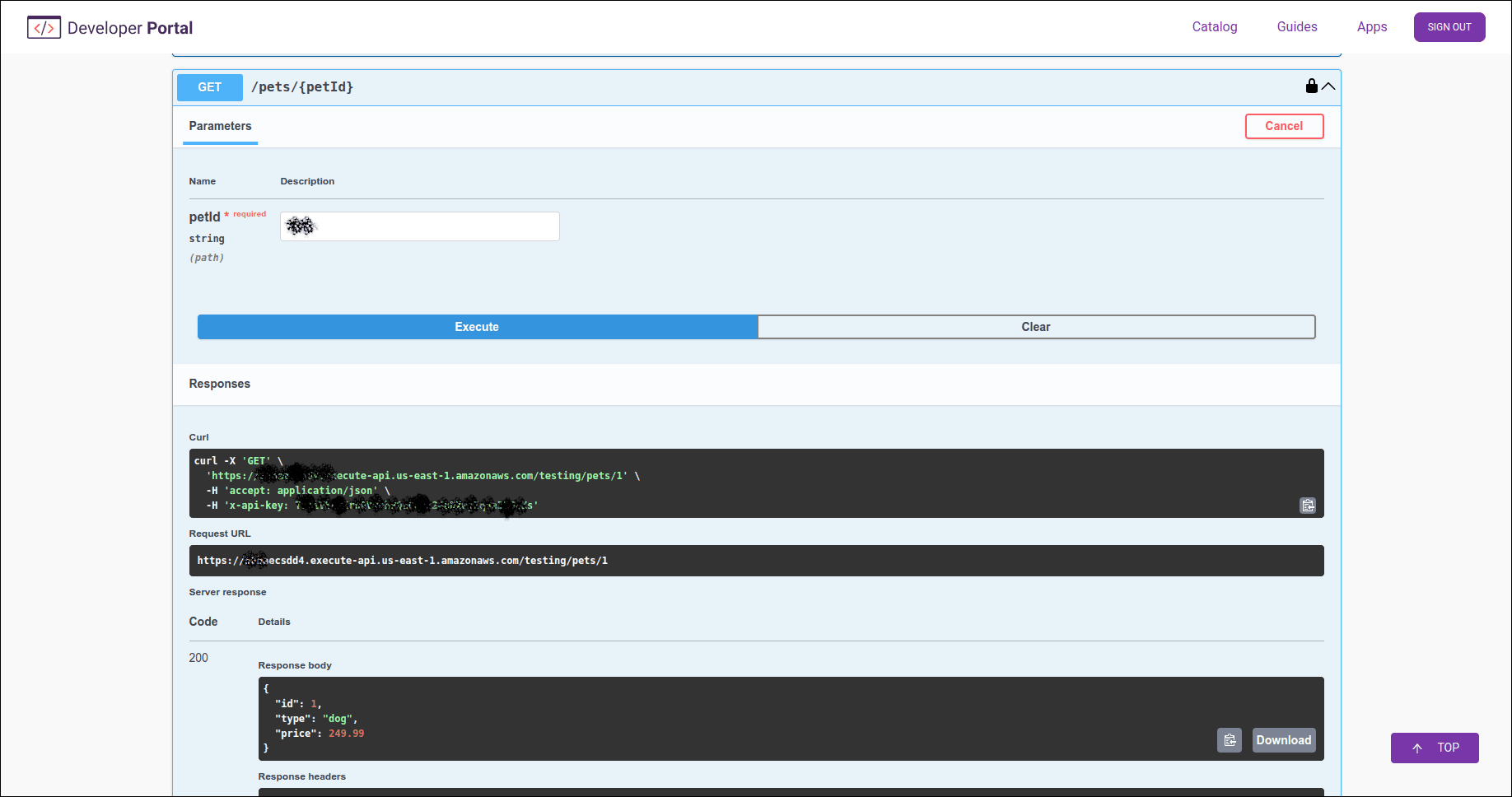
Enable APP Registration
To allow developers to register their applications in the Developer Portal, simply select the Enable Apps Registration option.
Keep the toggle disabled if you do not want to allow App registration.
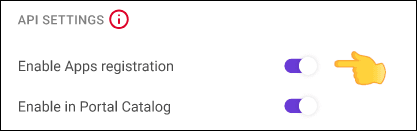
NOTEThis option is only available for native connections APIs.
Allow API to be displayed in Catalog
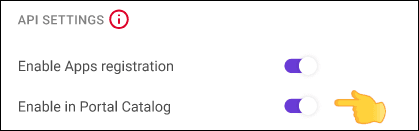
To allow the API to be displayed in Catalog, simply select the Enable in Portal Catalog option.
If you keep the toggle disabled, the API will not be displayed in the Catalog.