Thanks for your feedback!
EDIT
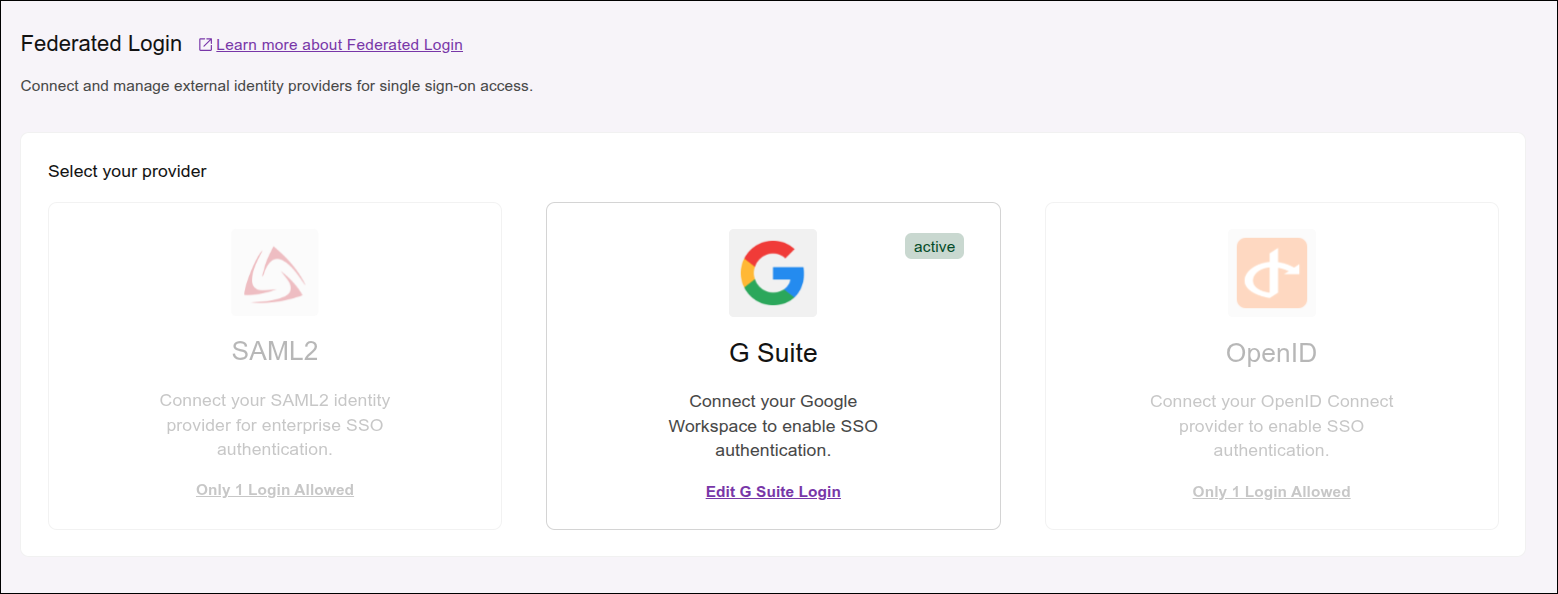
If a federated login provider is already configured in your environment, the other providers will appear disabled for configuration.
This happens because each environment allows only one active provider at a time.
To configure another provider, you must deactivate the currently active provider: click on the card to edit and then click Delete Login.
|
When deleting a federated login provider, all users linked to it will be permanently deleted, automatically and without warning. |
Share your suggestions with us!
Click here and then [+ Submit idea]